New featureDesigner
Curved words, photo-filled letters and headlines in your brand
Click a caption and open Text to bend it into an arc over the couple, or fill its letters with one of your own photos and slide the picture around inside them.
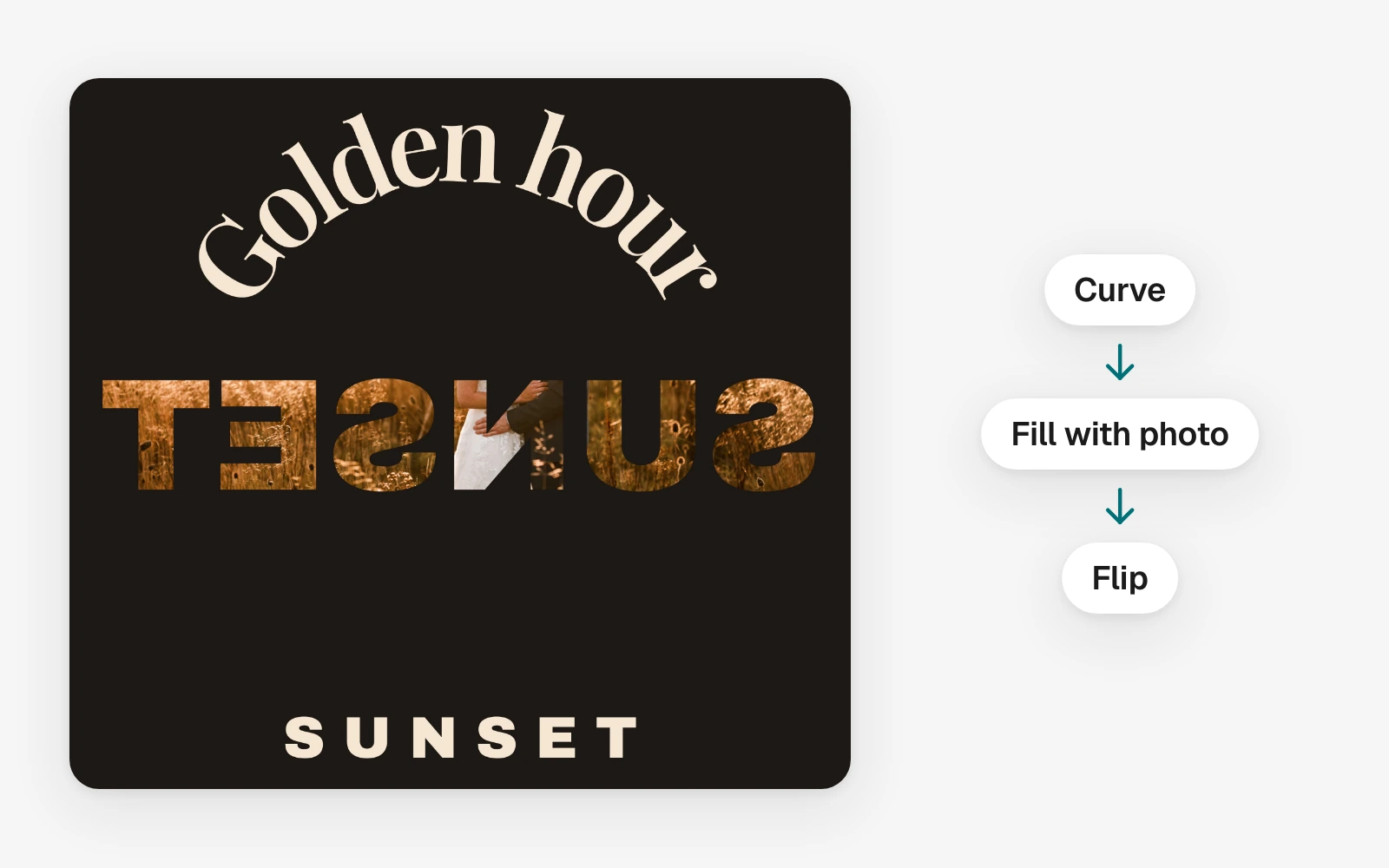
Curve your words and fill them with your own photo
Click a caption and open Text to bend it into an arc over the couple, or fill its letters with one of your own photos and slide the picture around inside them. Flip a caption, photo, cut-out or sticker from its menu. Before, lettering like this meant another app and an export for one slide. Now you do it on the slide, and what you see is what posts. Or ask your AI assistant to do it, and it shows you the finished slide right in the chat.
Ready-made headlines, in your brand
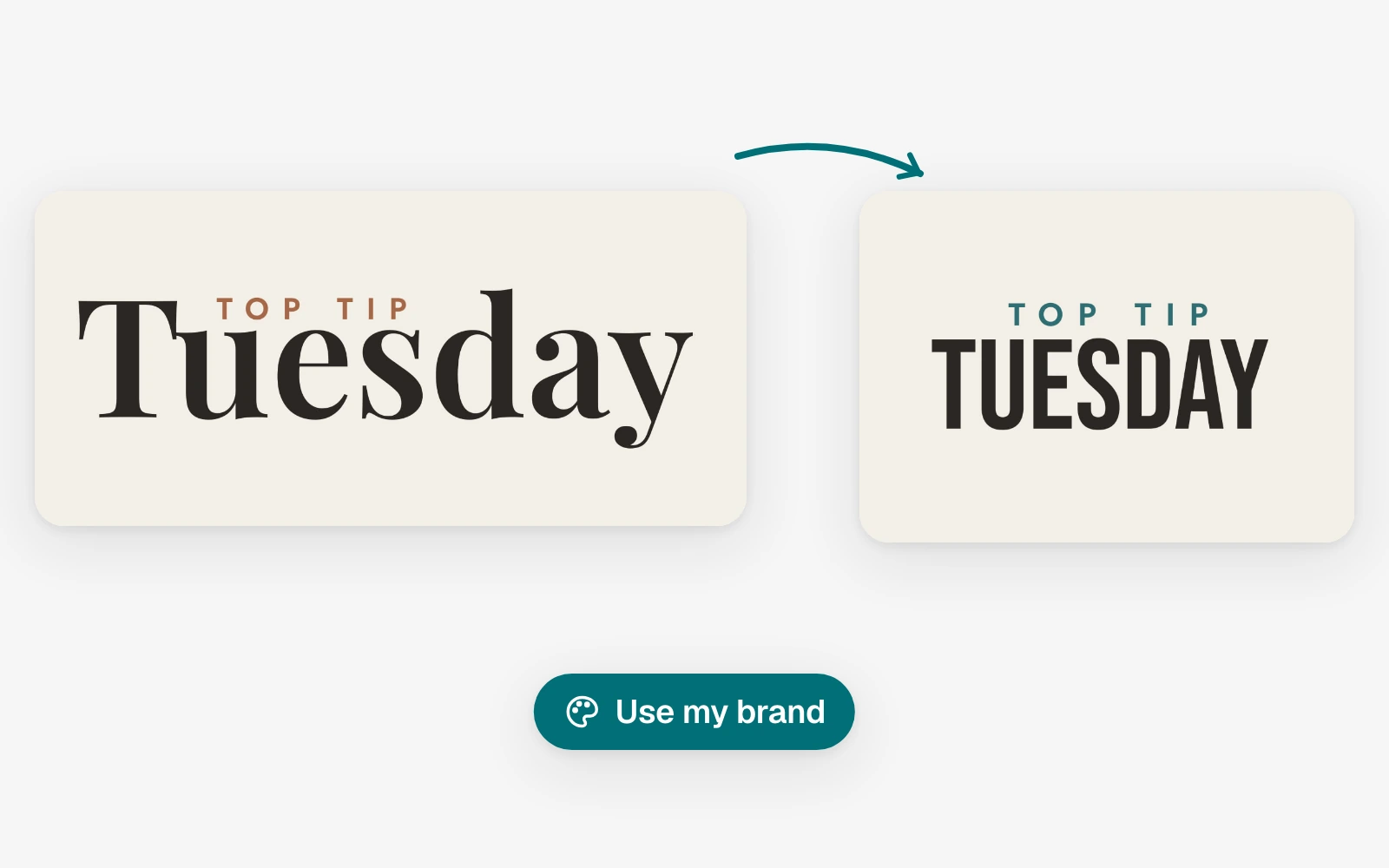
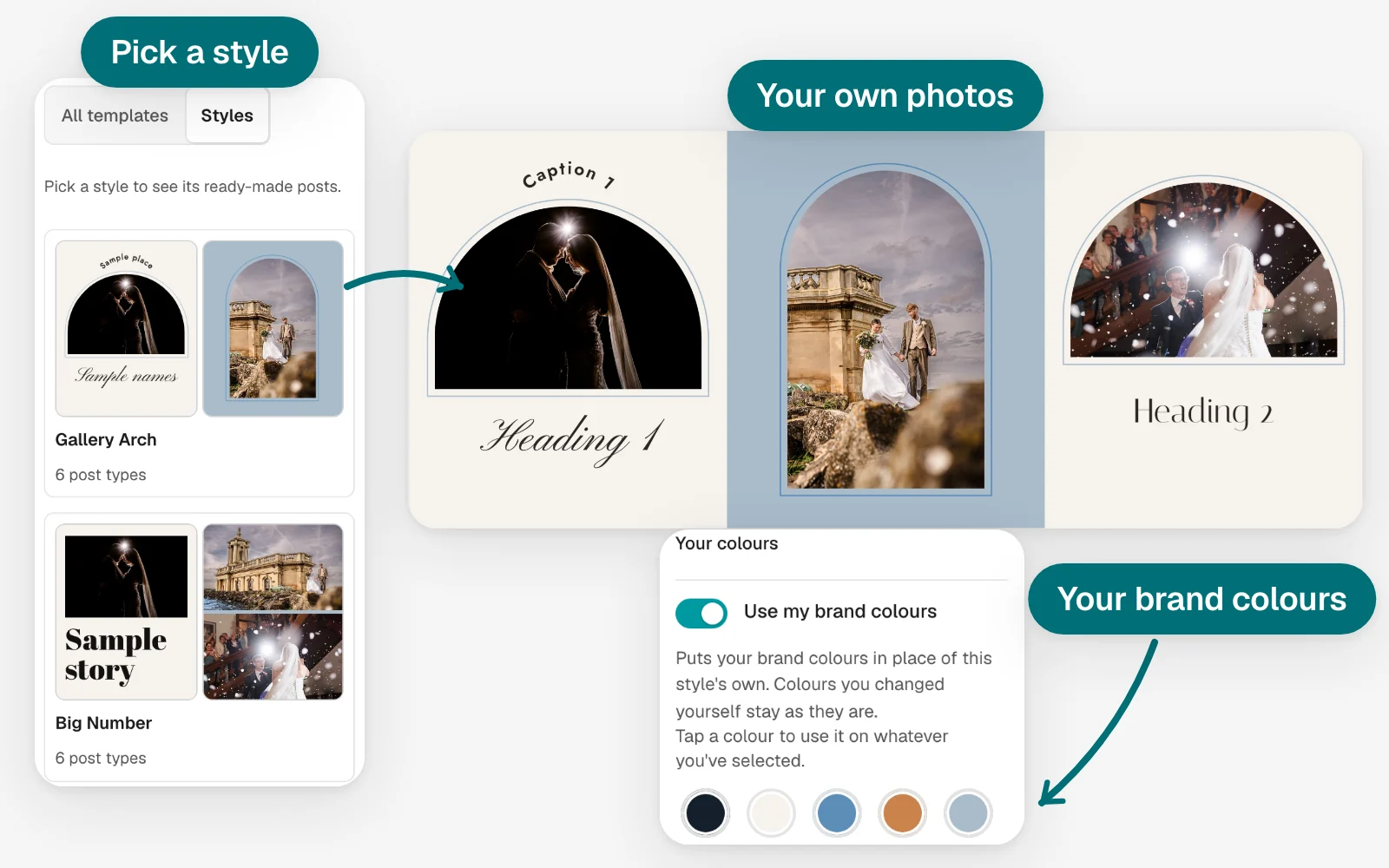
Open Lockups in the Text panel and drop in a styled headline such as Top Tip Tuesday, Behind the scenes or Save the date, then type your own words. Switch on Use my brand and it takes your brand colour and fonts, even fonts you uploaded yourself, sized to fit. Before, you rebuilt the same heading by hand every week.
Words that stay readable, pieces that move together
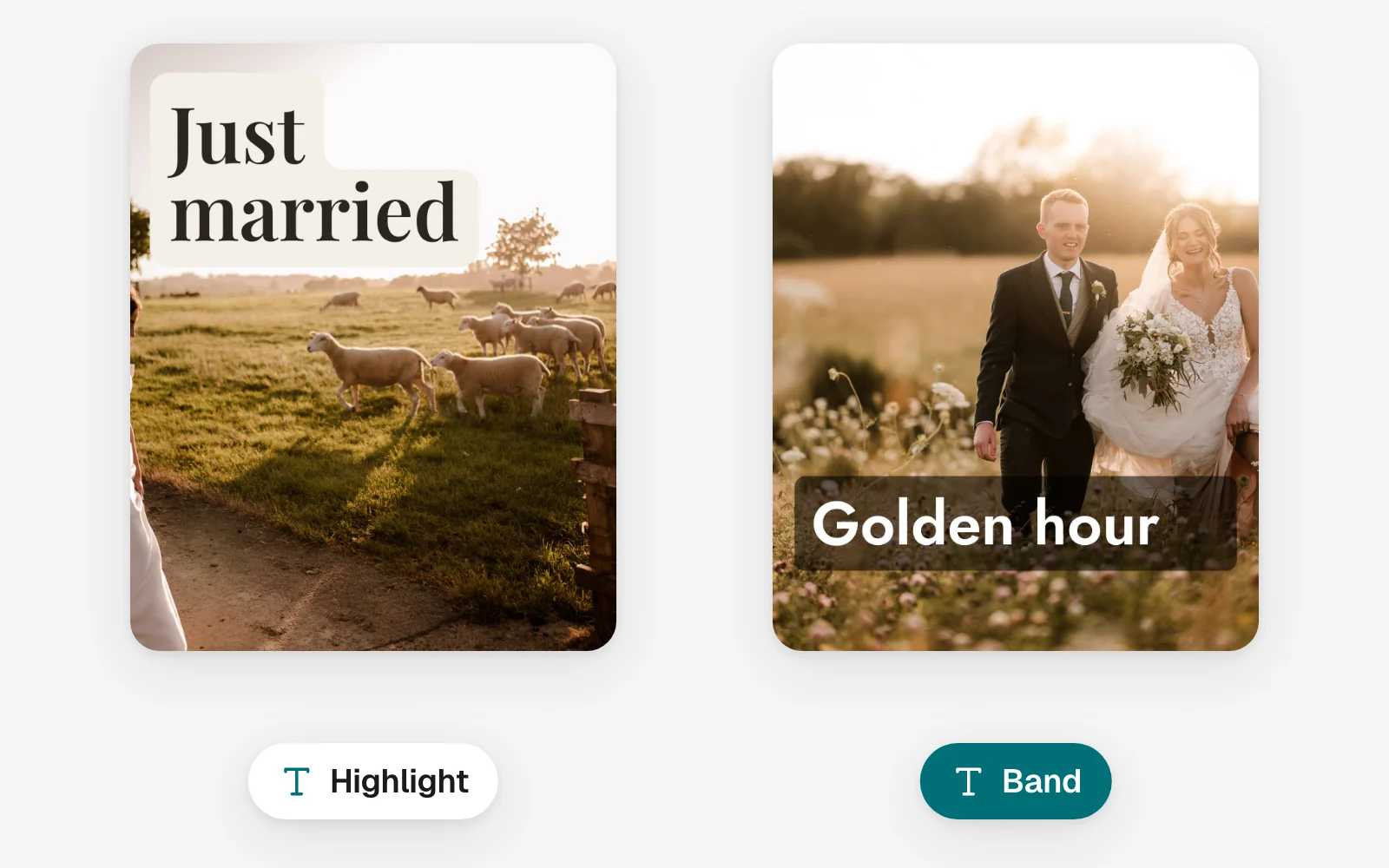
Put a Highlight behind a caption that hugs each line, or a dark Band behind the words, so white text stops vanishing on a bright sky. Then pick several things on a slide and group them, and a headline, date and badge move and resize as one. Before, you drew a box in another app and lined everything up again by eye.
Go deeper
More Designer updates
Want all of this when we open?
Leave your email and we'll tell you the day it opens. When it opens: 14 days of everything, free. No card needed.