Stop downloading your own photos to design one post.
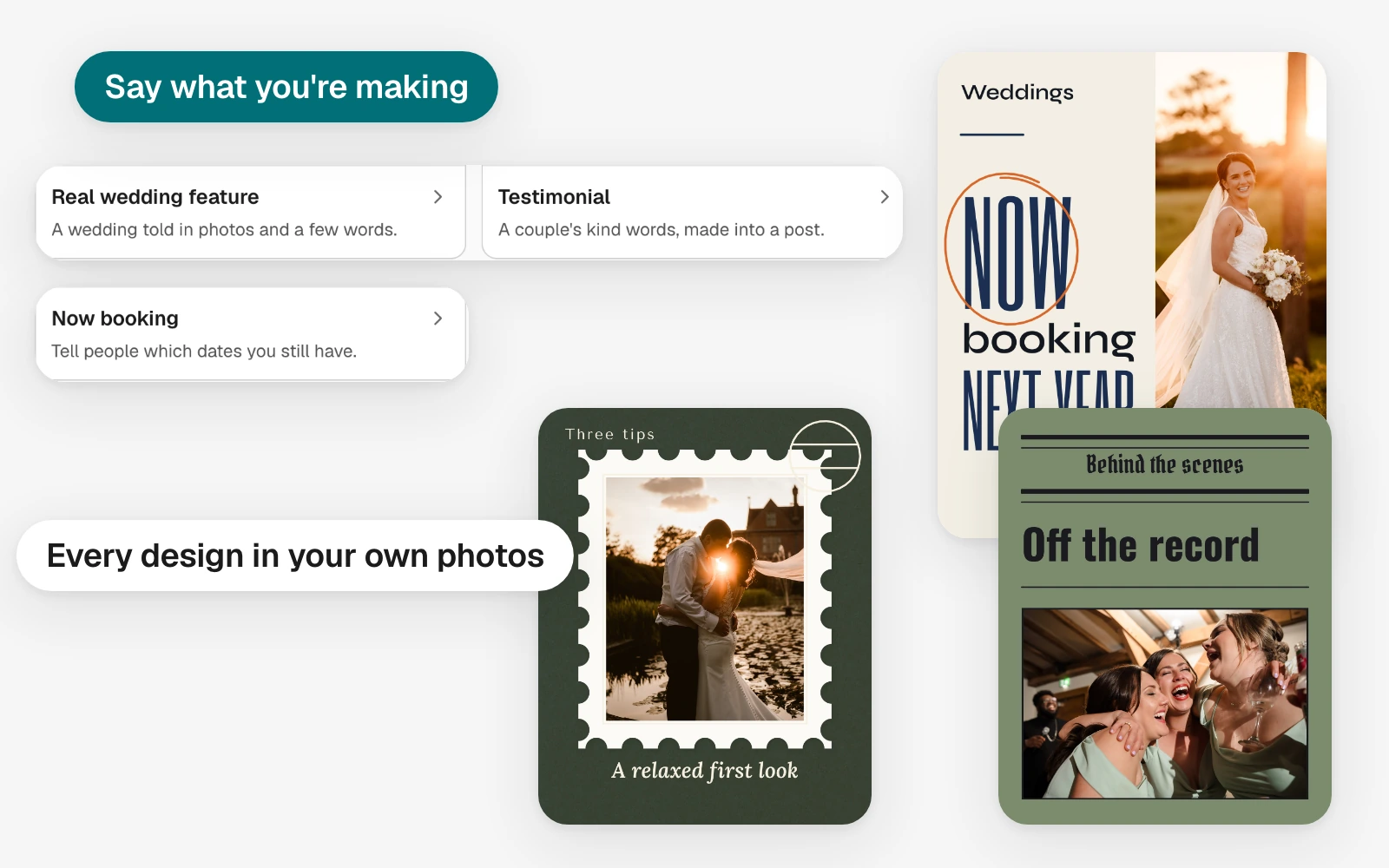
Say what you're making. Every design for it arrives in your own photos, with your brand colours one switch away.
Designer from Solo, on your computer.

You finish the gallery. Then: download, design somewhere else, download again, upload, crop it all over again. One post, five steps, and the photos were already here.
Ready-made styles
Finished posts, not blank slides. Pick a style and a review, a tip or a booking post arrives already designed in your photos.
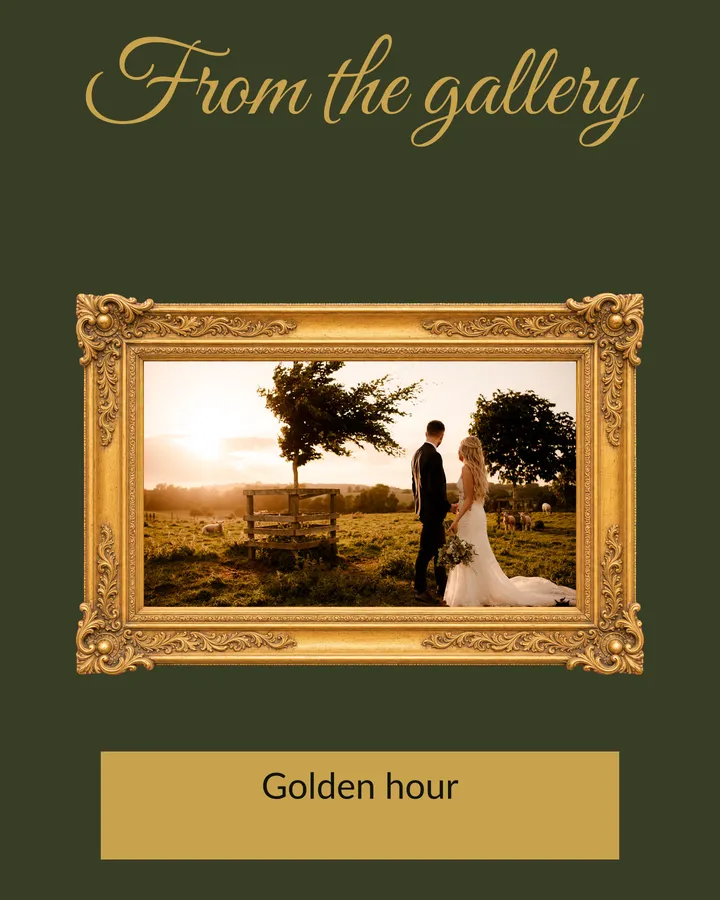
Real wedding feature 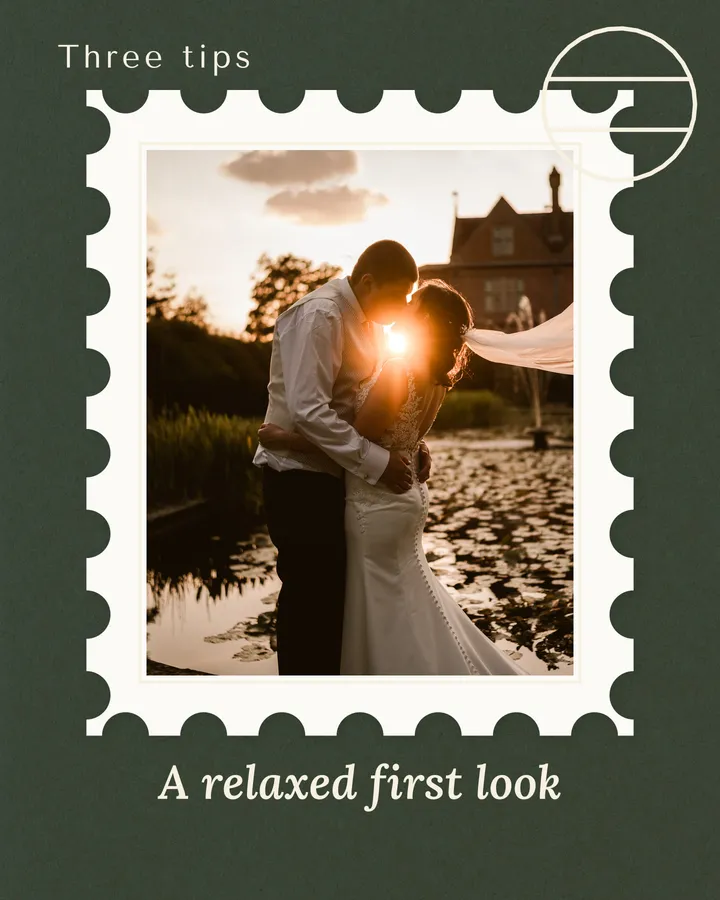
Tips and guide 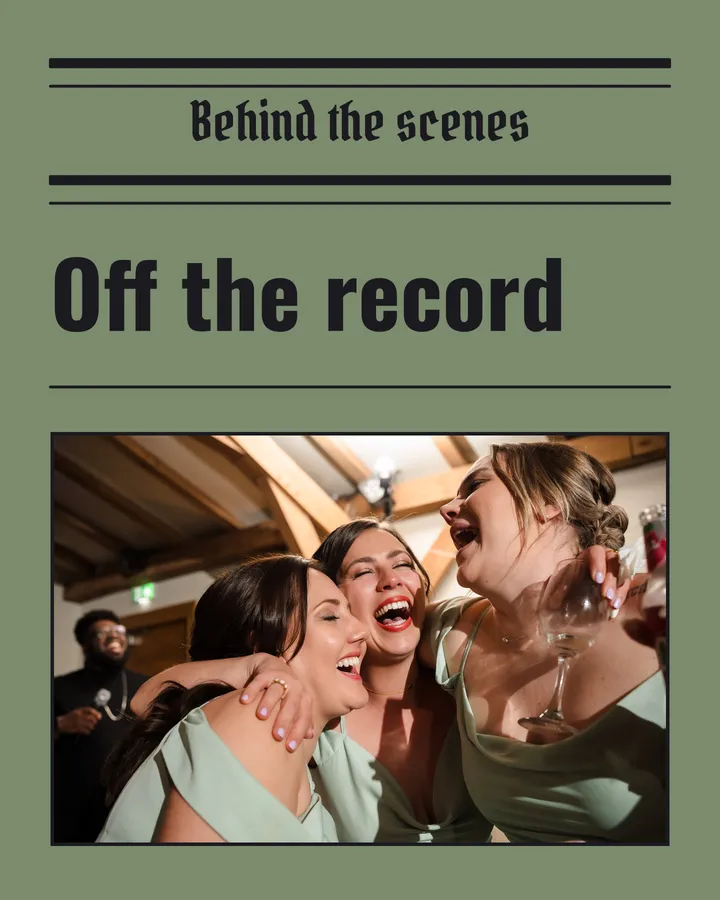
Behind the scenes 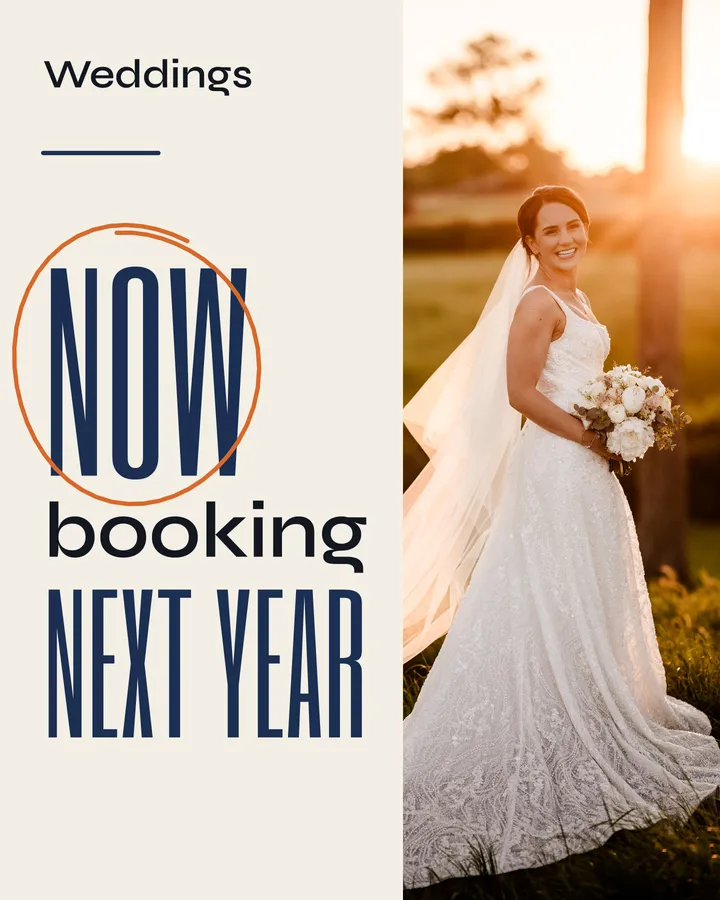
Now booking 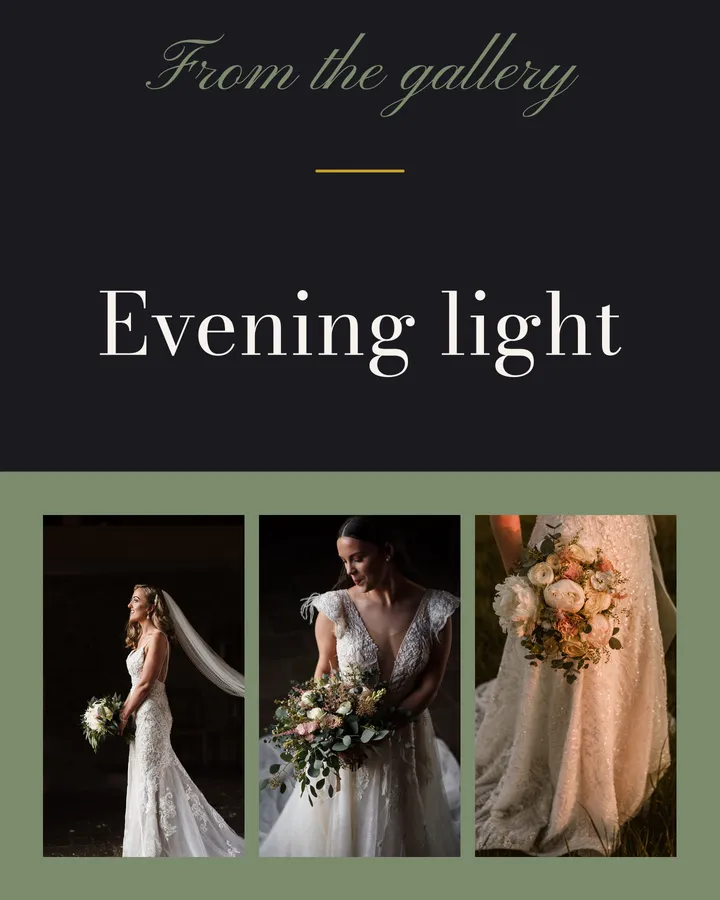
Real wedding feature 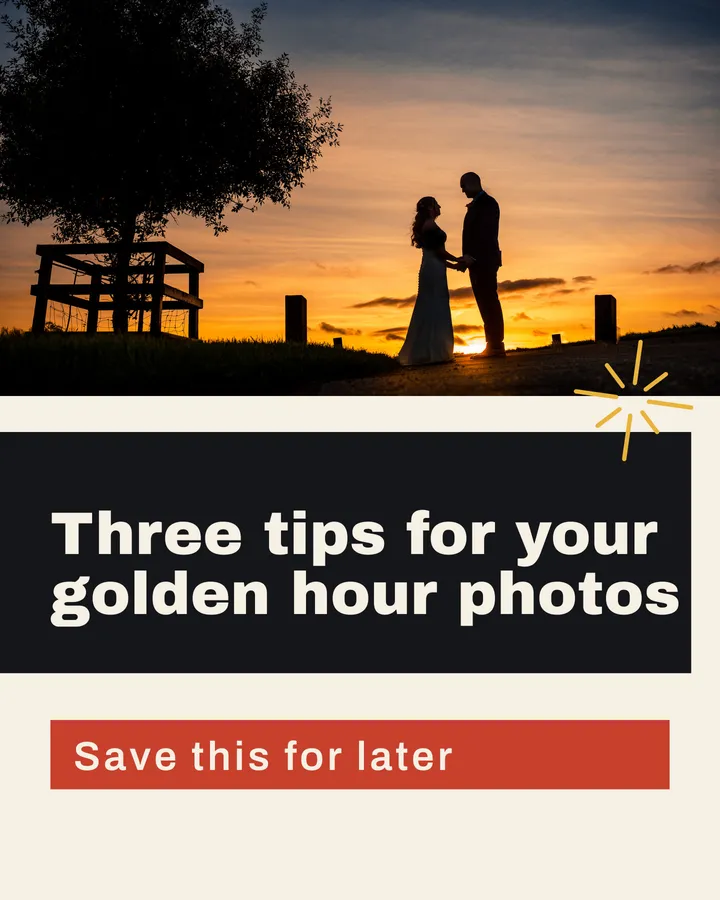
Tips and guide 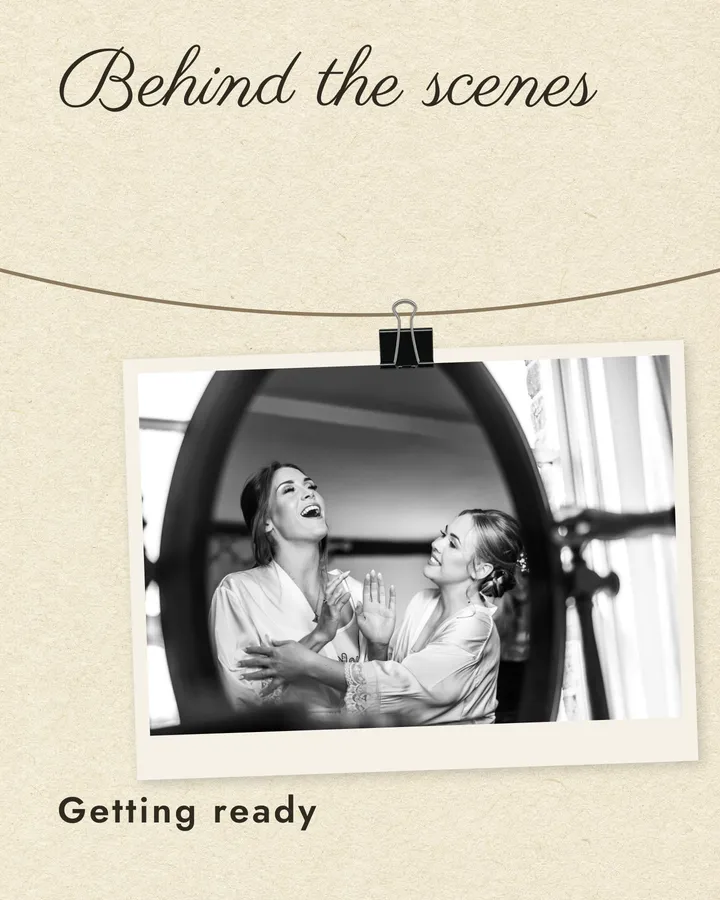
Behind the scenes 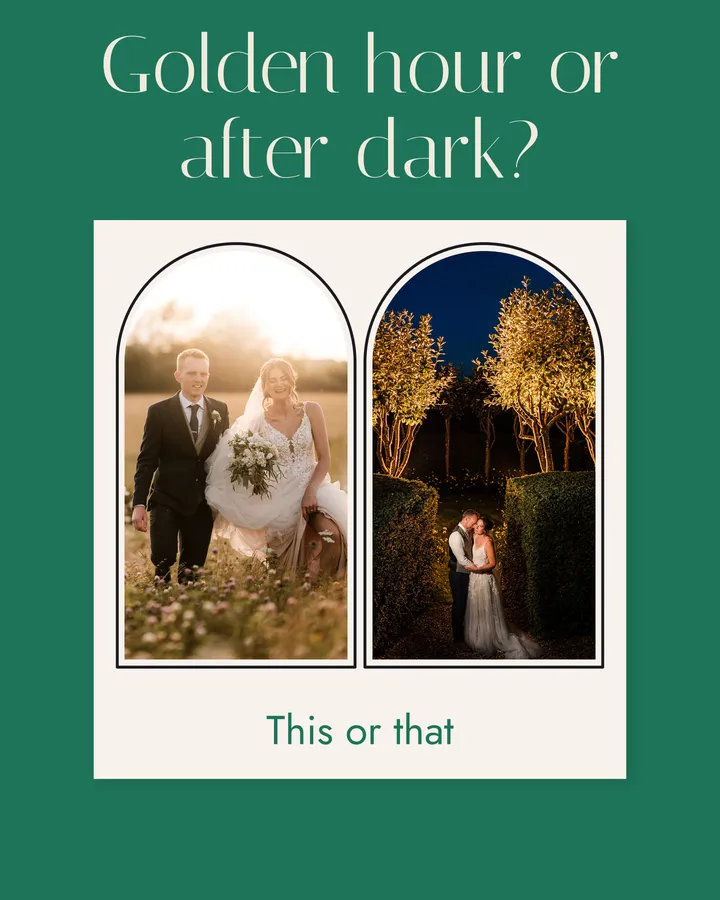
This or that 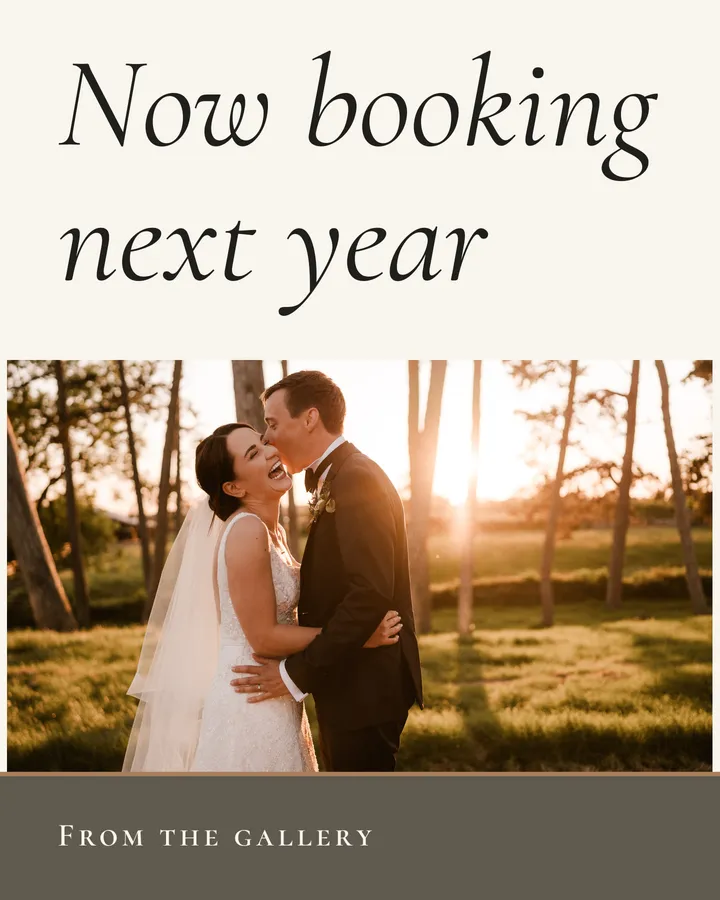
Gallery Run 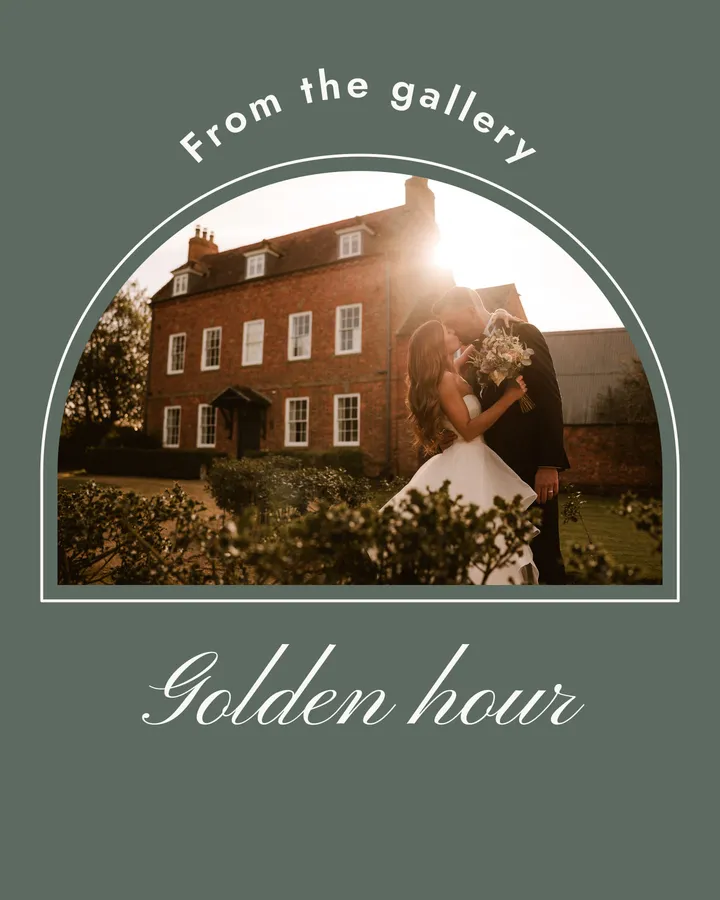
Real wedding feature 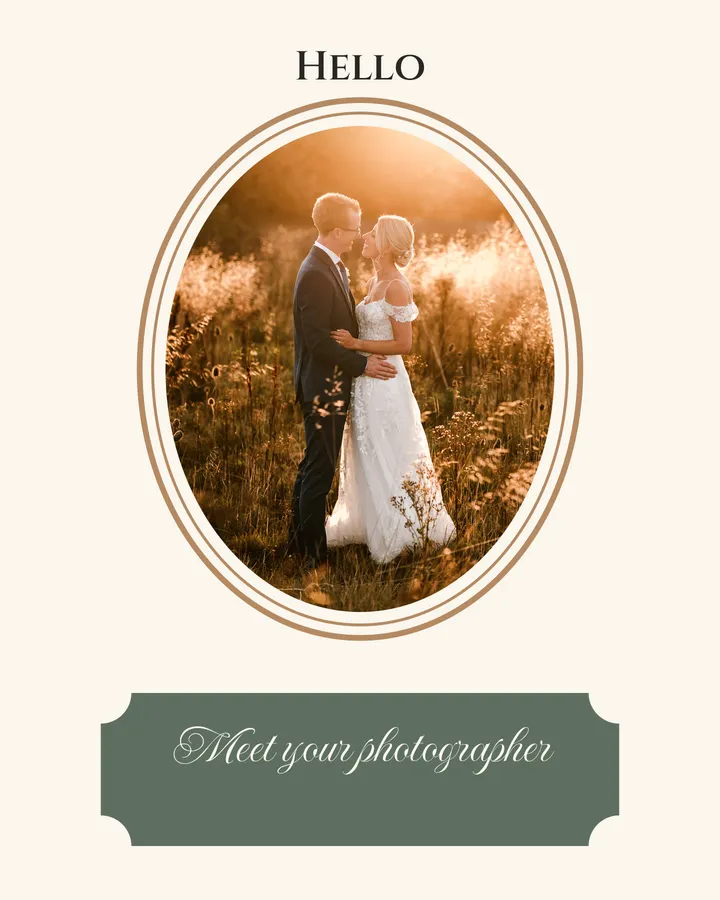
Meet the photographer 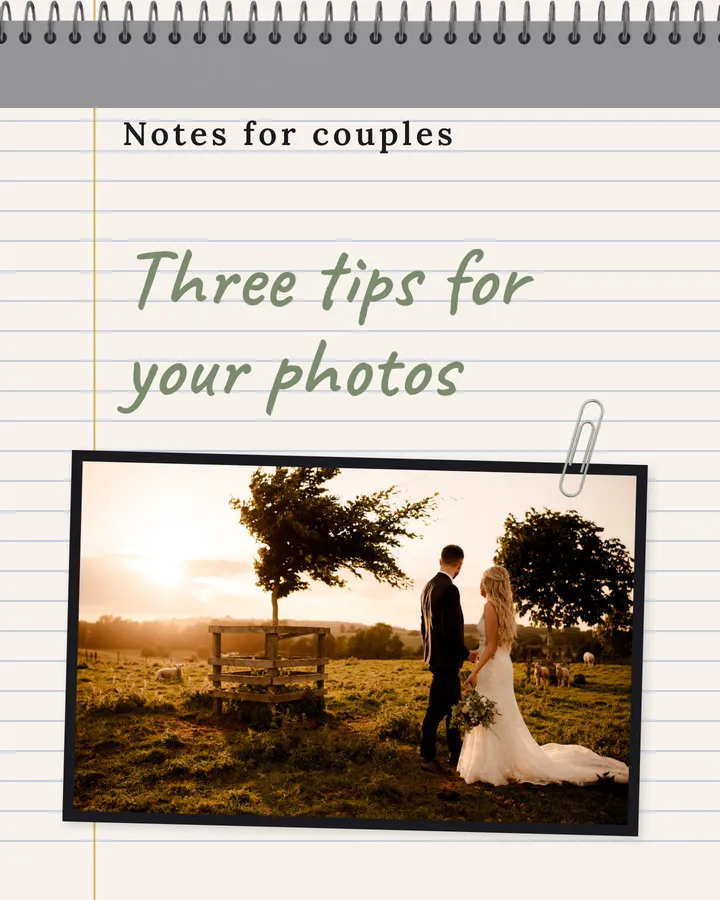
Tips and guide 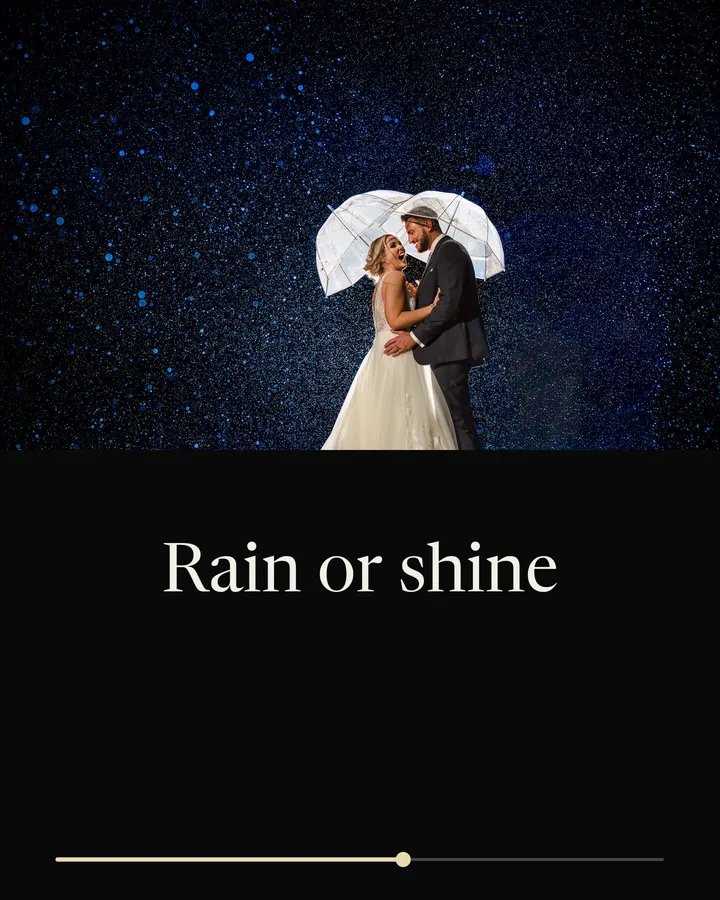
Real wedding feature 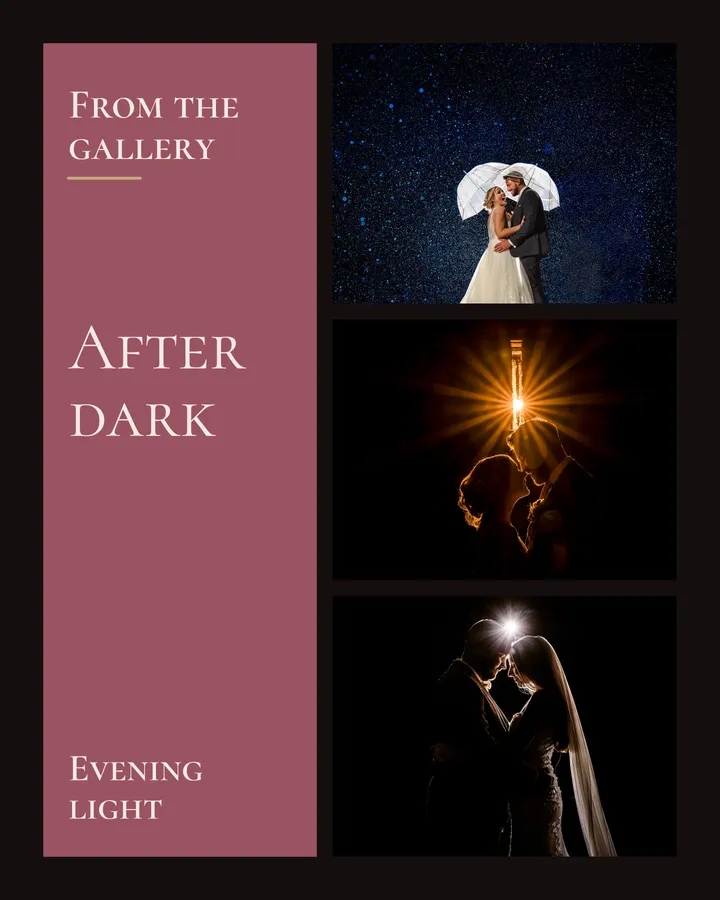
Real wedding feature 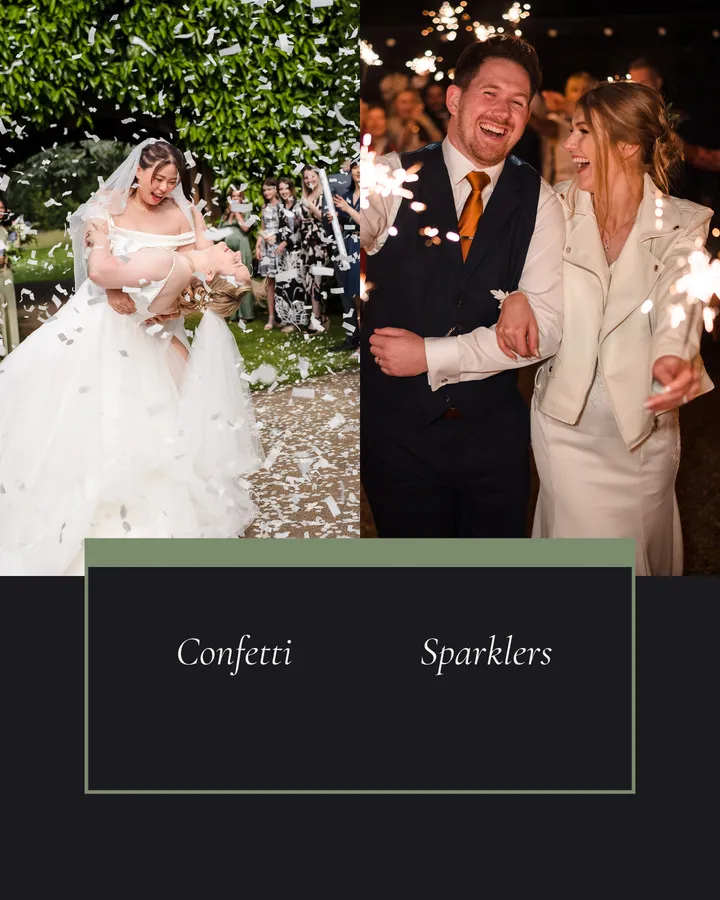
This or that 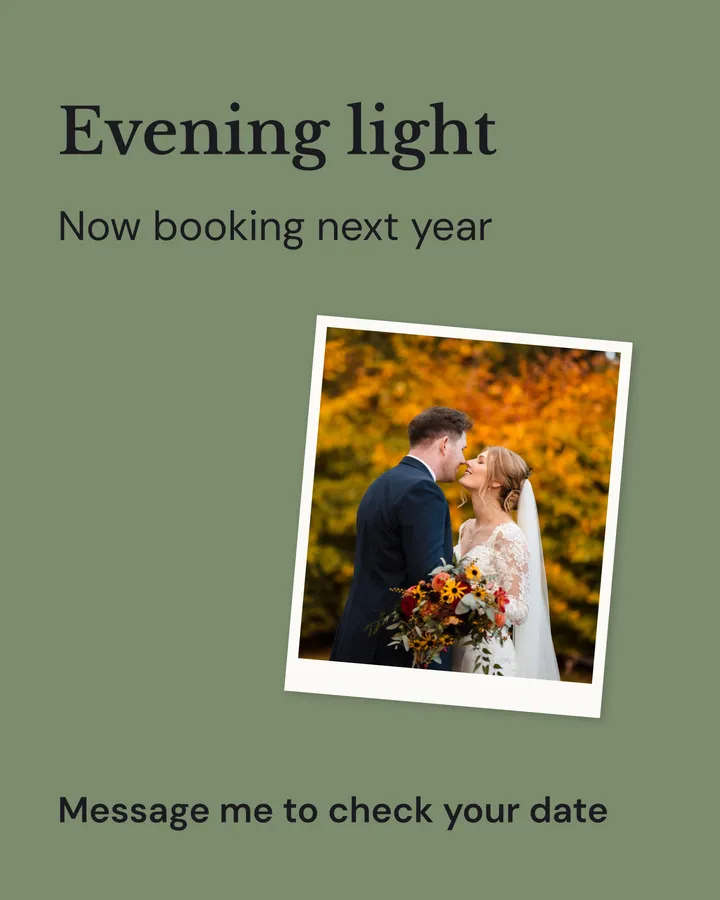
Real wedding feature
How the carousel maker works
Say what you're making.
A feature, a review, a tip, a booking post, before and after, or just photos.
See it in your photos.
Every design for it on one page, in your own photos, placed on the people.
Make it yours, then post it.
Change the words, flip on your colours, and send it straight to the post.
Posting a carousel by hand for now? How to post a carousel, step by step. Not sure of the size? Post sizes, checked and measured.
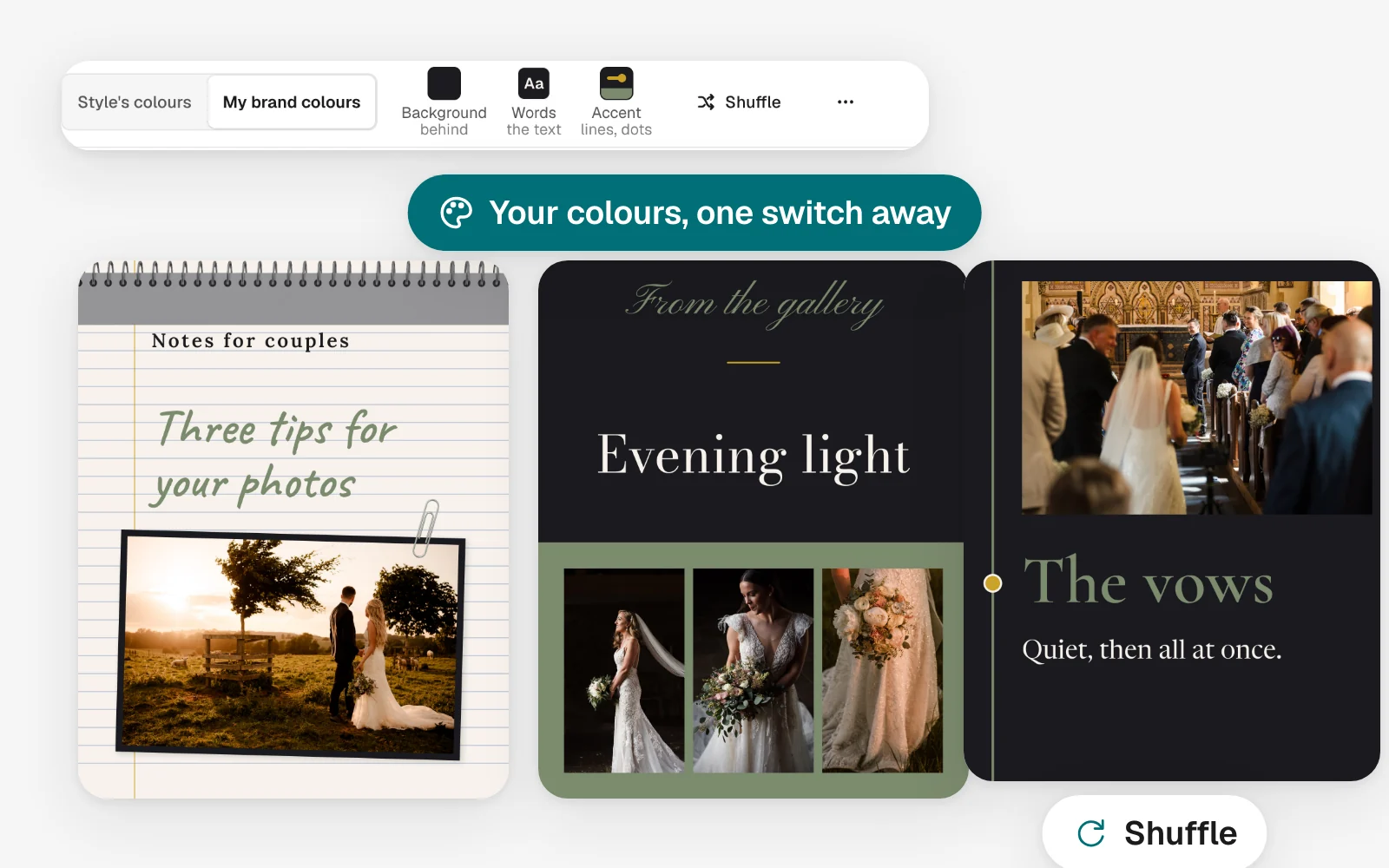
Your colours, one switch away
Previews open in the style's colours; one switch shows them in yours. Choose what sits behind, or Shuffle until it feels right.
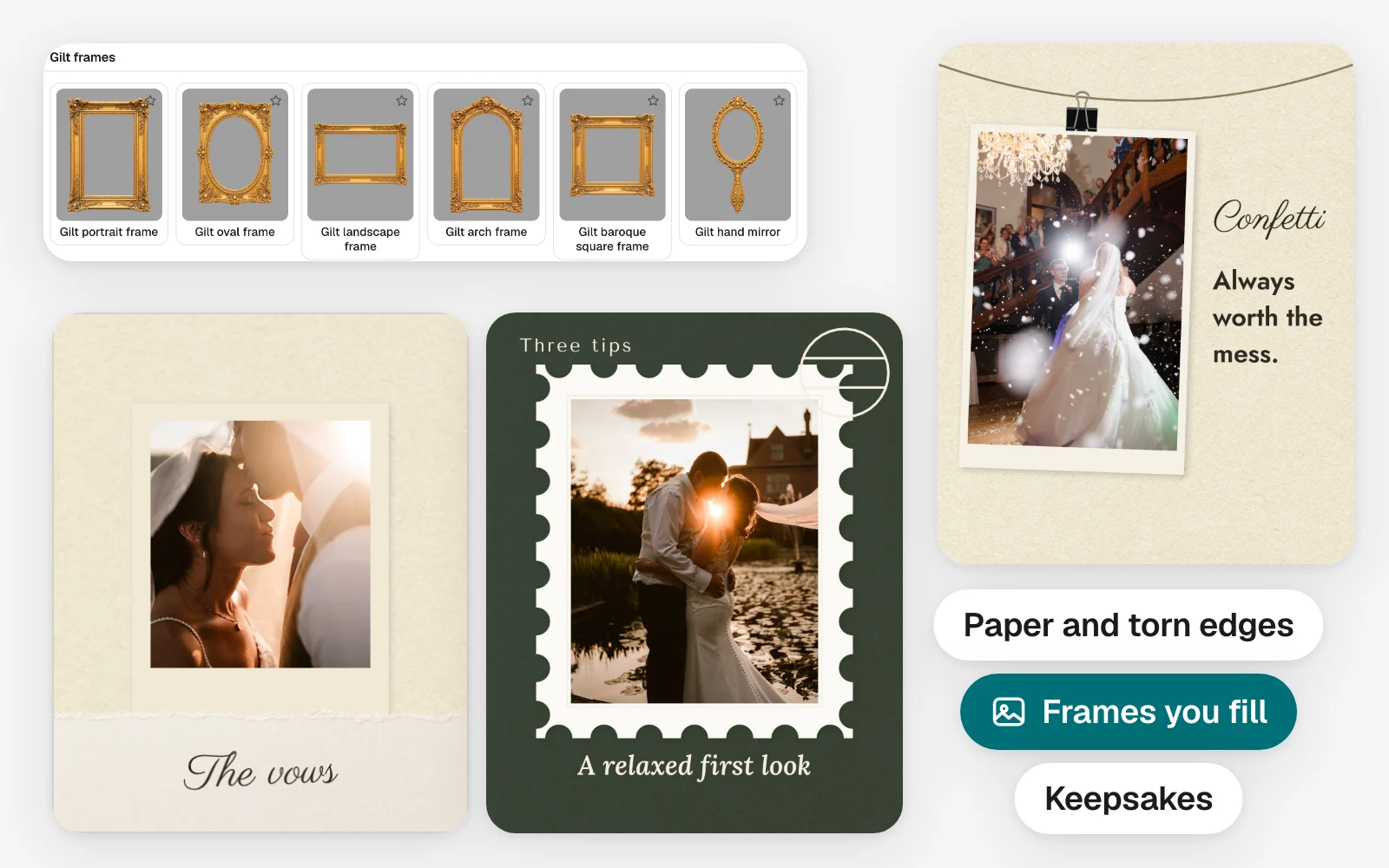
Paper, frames and keepsakes
Watercolour paper, torn edges, instant prints, film strips and gilt frames, tinted to your colours.
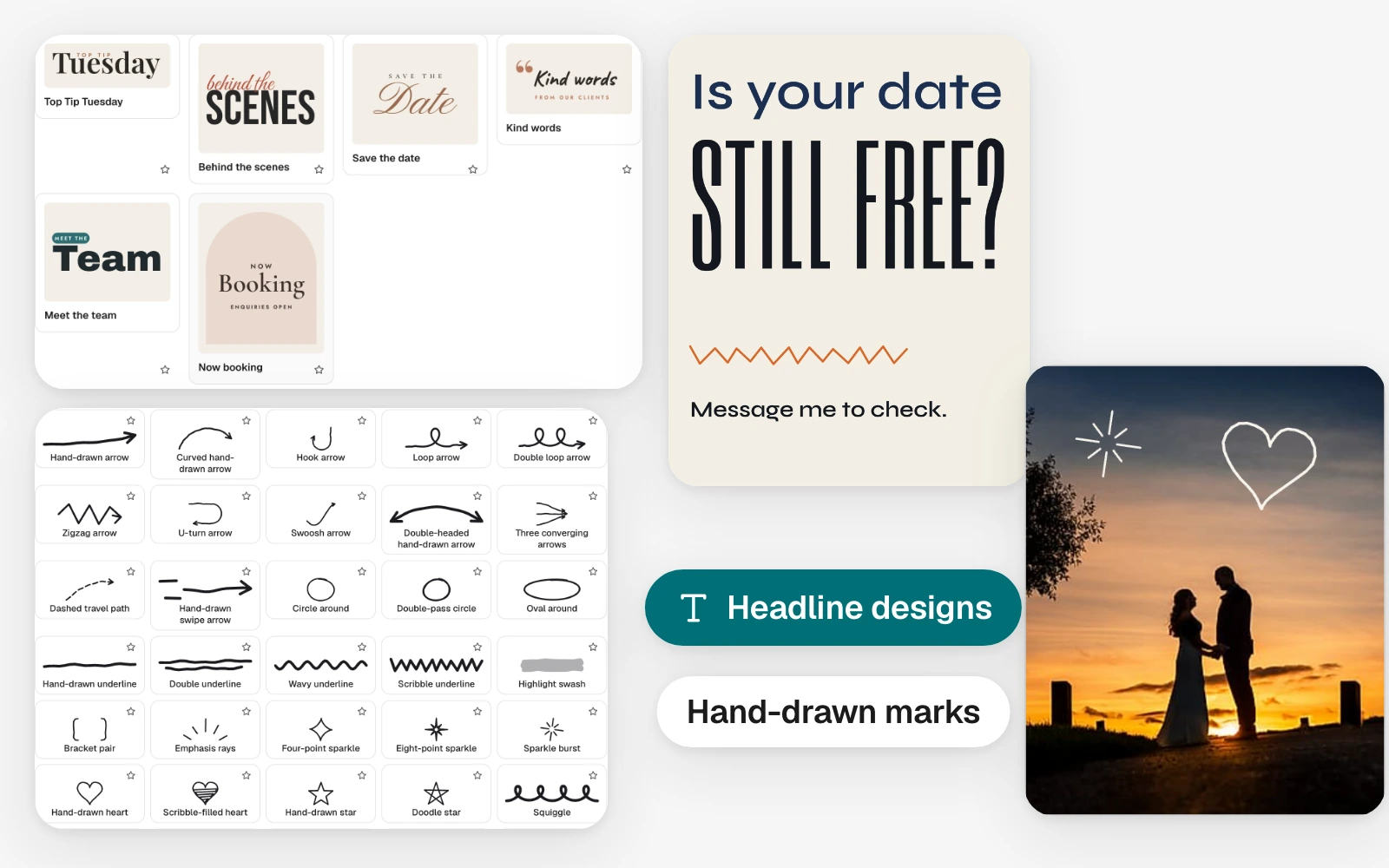
Headlines, shapes and marks
Drop in a designed headline such as Top Tip Tuesday, then retype it in your words, in your fonts and colours. Arrows, seals, dividers and hand-drawn marks come in your colours too; star the ones you like and they're waiting next time.
Words behind the couple
One tap cuts the people out, and your headline sits behind them. The magazine-cover look, no Photoshop.
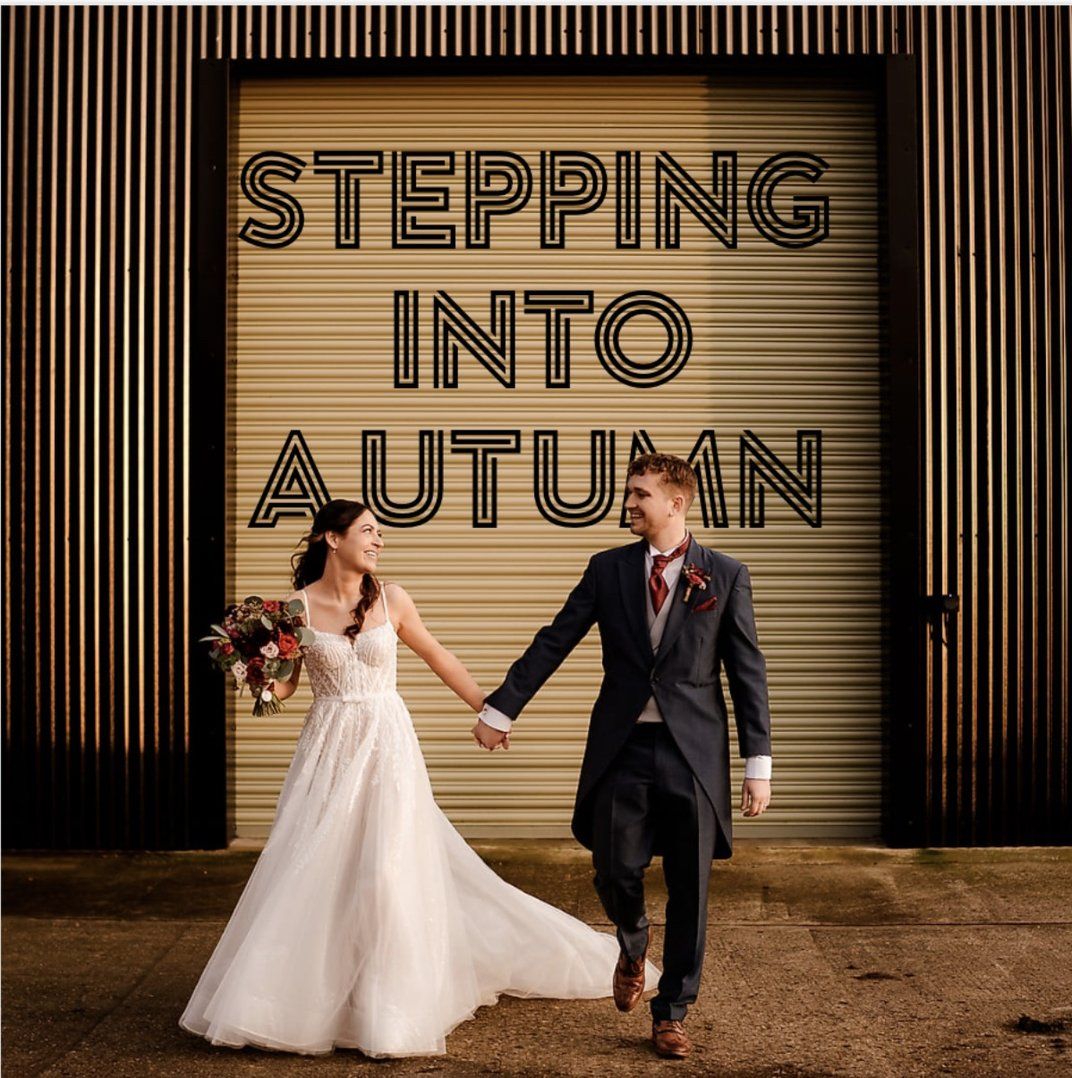
One wide shot, swiped as one
Line a venue panorama across the slides so it joins up as people swipe.
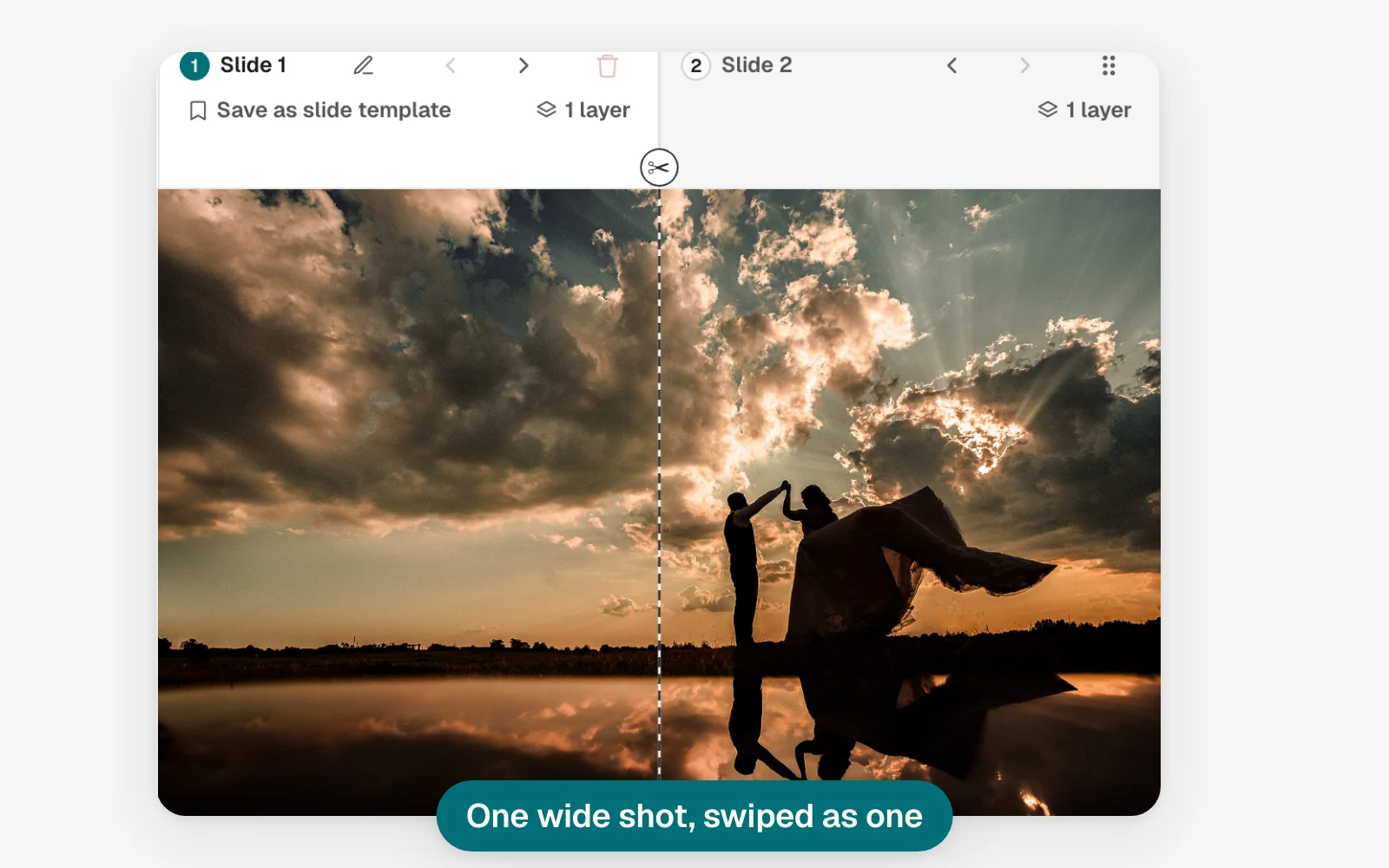
One Add button
Everything you can put on a slide, shown as pictures. Text, your logo and review stars in one click.
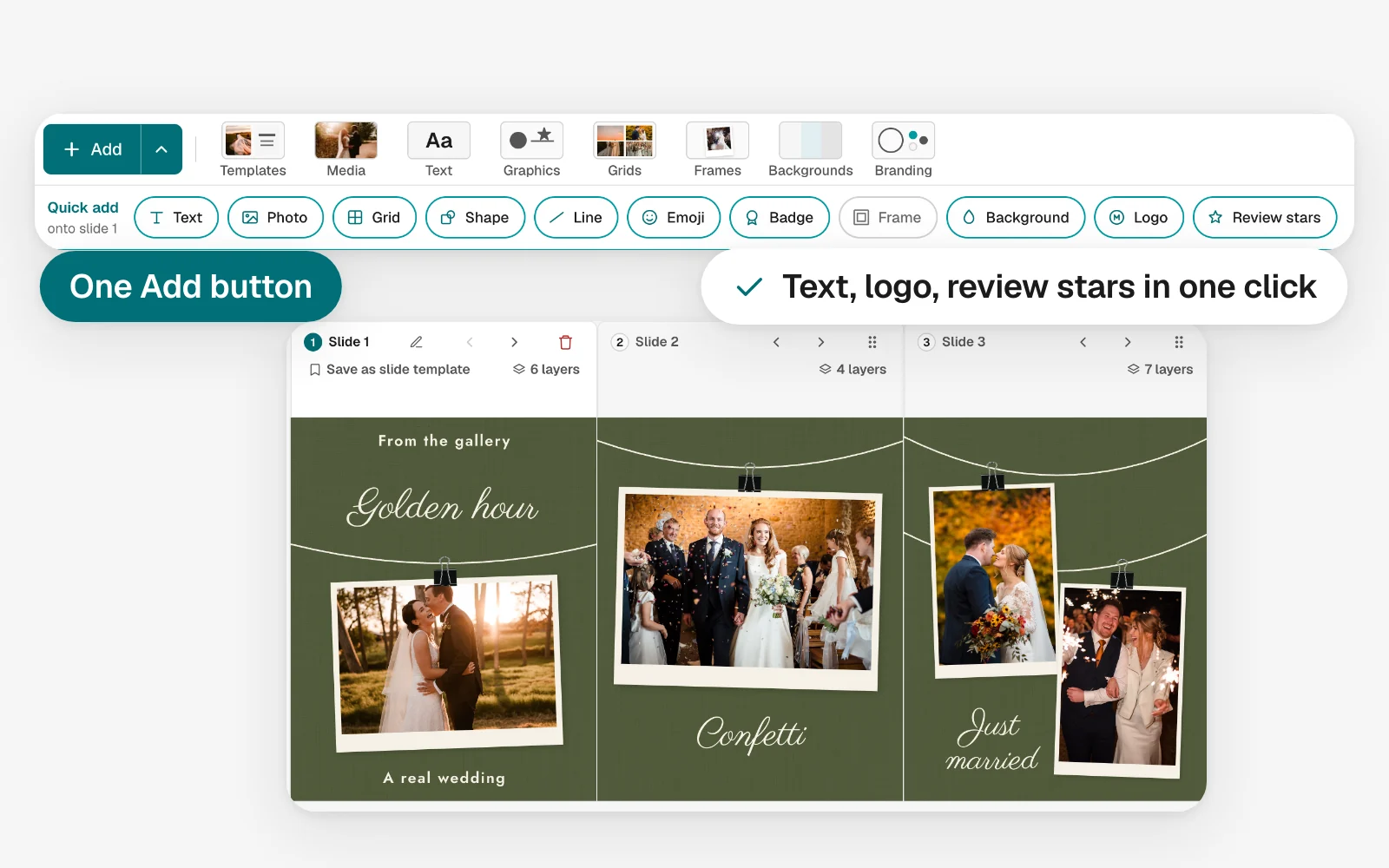
Design it once, reuse it
Save your signature layout as your own template, and find last season's best carousel in one search.
For every trade
Photographers post the wedding. Florists post the flowers, venues the room, planners the day. Same styles, your own photos, and starter wording for weddings or any other shoot.
- Which plan has it?
The Designer is on Solo and up. Photo cut-outs come with a monthly allowance on each paid plan.
- Do I need my own photos?
Yes. Every design is built around your own photos, placed by our tools.
- Can I use my own fonts and colours?
Yes. Add them to your Brand kit once and they're first in every design.
- How many slides?
Design up to 20 slides. How many we post for you depends on where it goes; download every slide, numbered, to add the rest by hand.
Latest updates
- Designer 2.0: Instagram carousel templates in your own photos and brand colours
Now you can tell the Designer what you're making, whether that's a wedding feature, a client's review, a tip or a booking post, and see every design for it on one page, side by side, in your own photos.
- Photos that land on the people, and 26 new fonts
Now when you drop a photo into a template, a style or a frame, it's placed on the people, not cut off at the forehead.
- Ready-made styles
Now you can start a carousel from a style that already looks finished.
Join the waitlist, over a wedding send-off photograph by Sky Photography, teal-washed.
Your next month of posts is in a gallery you’ve already delivered.
We'll email you once, when you can sign up.
Something went wrong — please try again.
You’re not just first in line — you’ll help call what gets built next.