New featureDesigner
Fill a carousel with one press
On desktop, clicking a photo in the Designer's Media panel no longer puts it on a slide.
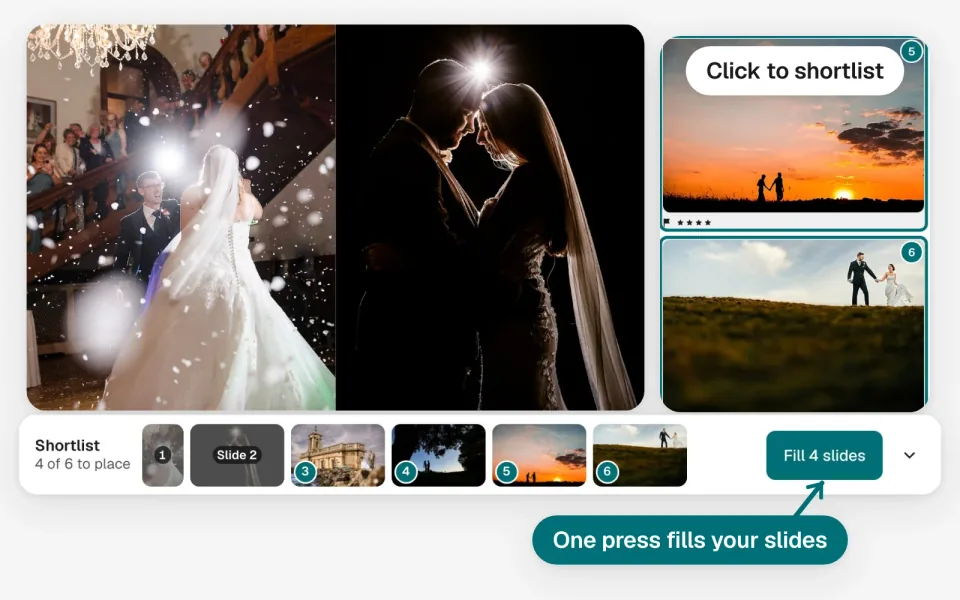
A click in Media now shortlists
On desktop, clicking a photo in the Designer's Media panel no longer puts it on a slide. It goes on your Shortlist, the row above the bottom bar. To place one photo straight away, drag it onto the slide. The tick boxes and Fill all have gone: the Shortlist does that job now.
Six photos, 8 clicks at most
Click the photos you want, or hold Shift for a run, and press the button on the row. They land on your empty slides in order, and we add slides if you need them. Six photos from one gallery used to take about 27 clicks one by one. Your Shortlist saves with the design.
Go deeper
More Designer updates
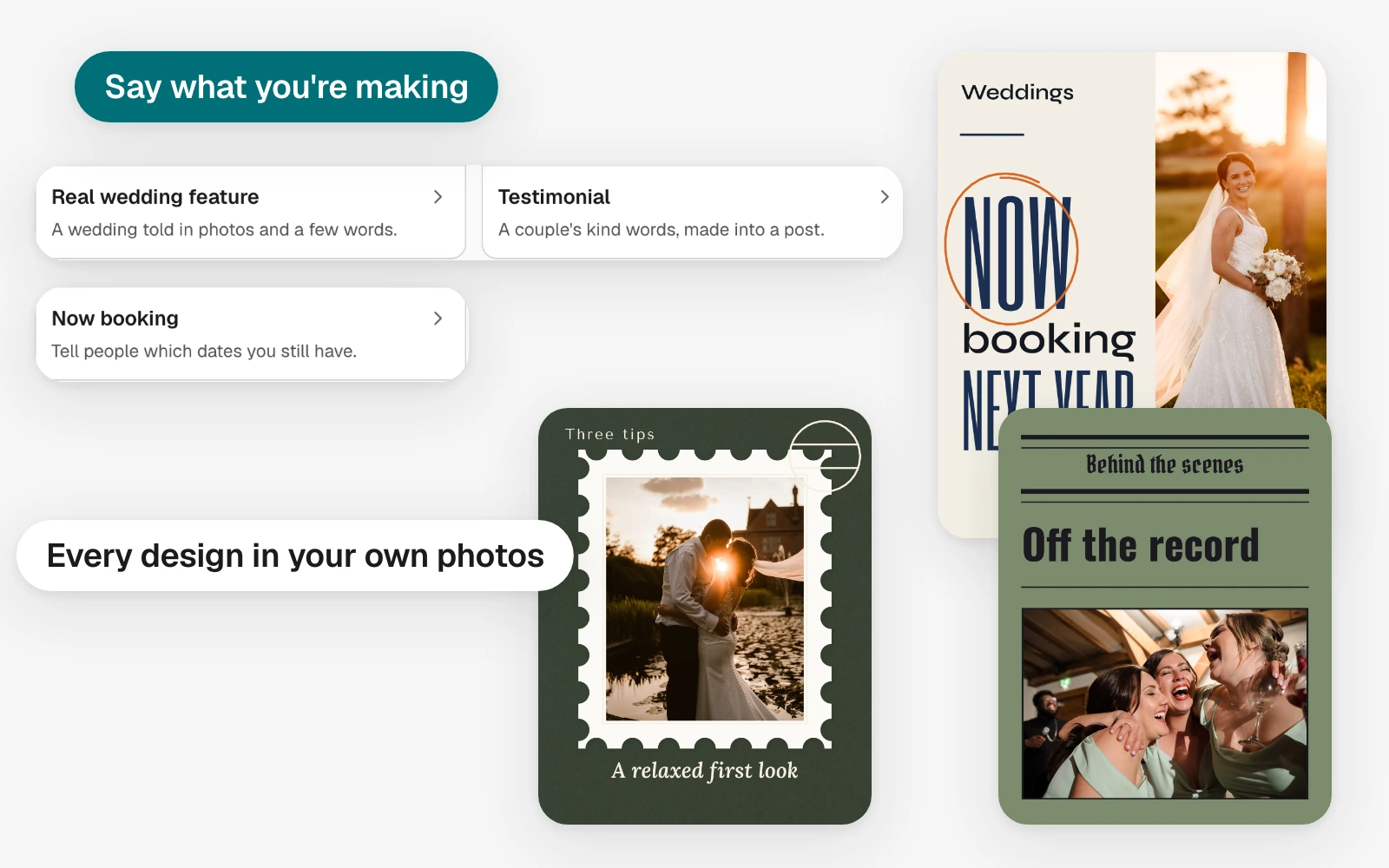
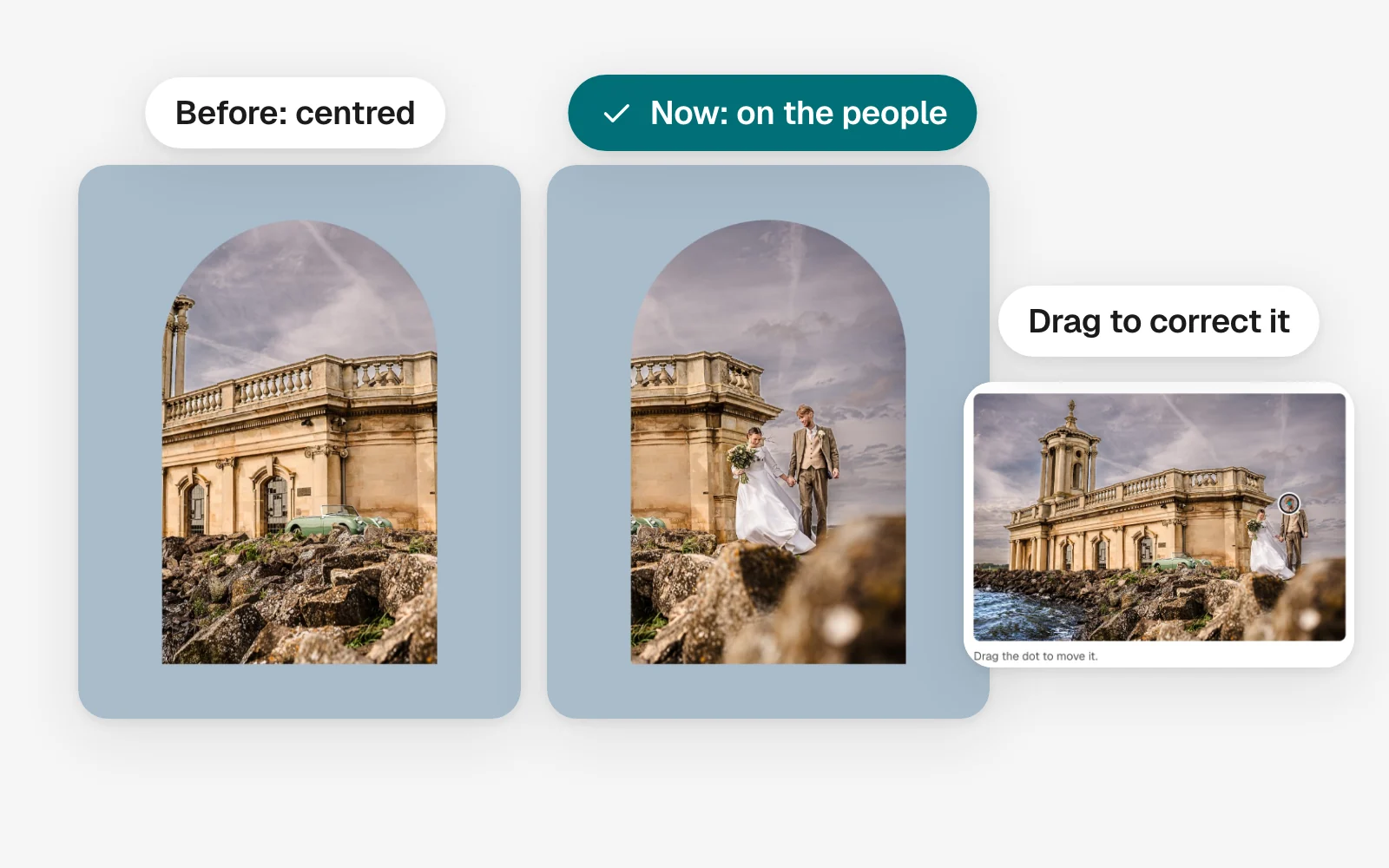
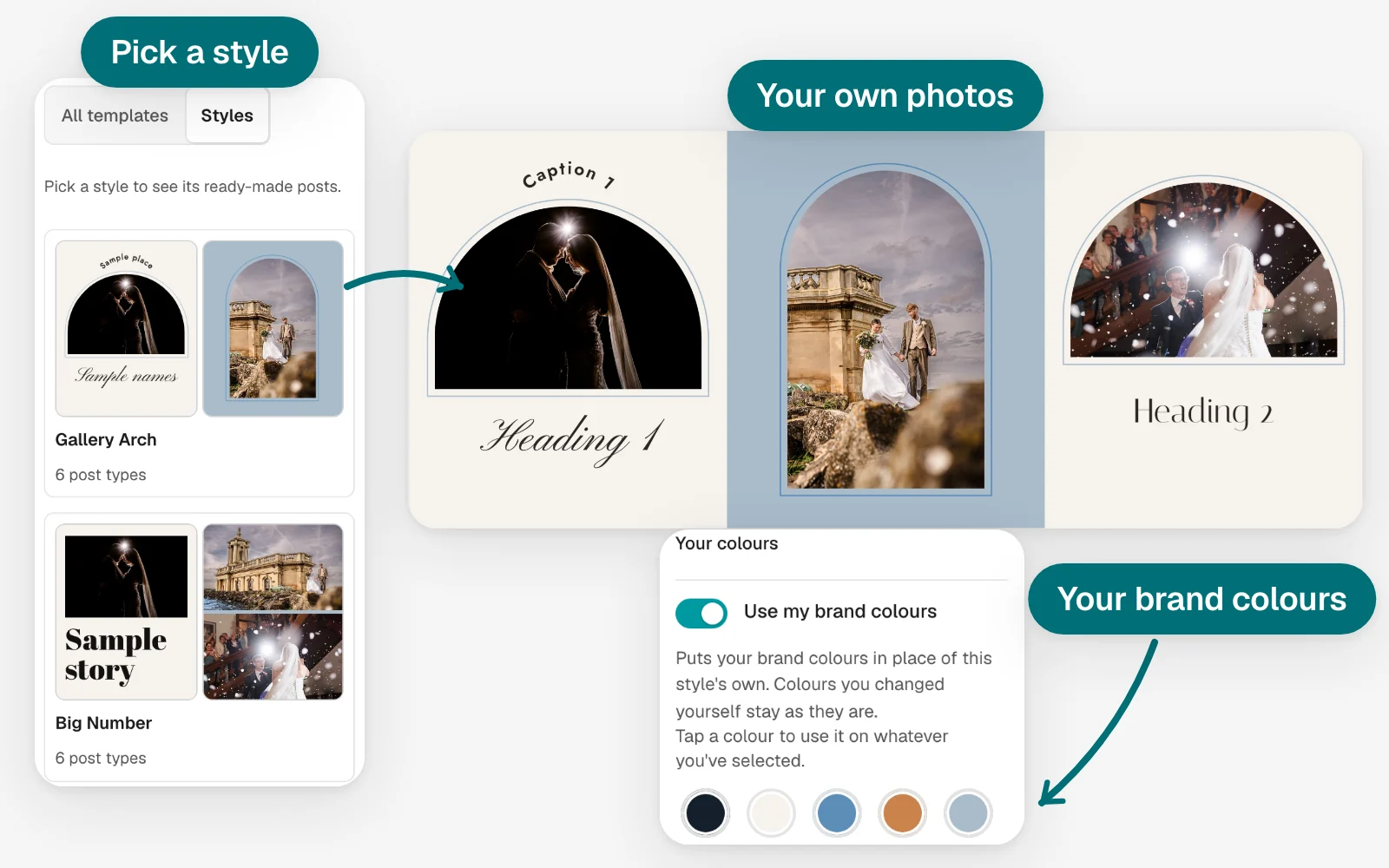
Want all of this when we open?
Leave your email and we'll tell you the day it opens. When it opens: 14 days of everything, free. No card needed.