New featureSupplier credits
Save the credits you type
Typed the venue, florist and band into an Instagram caption?
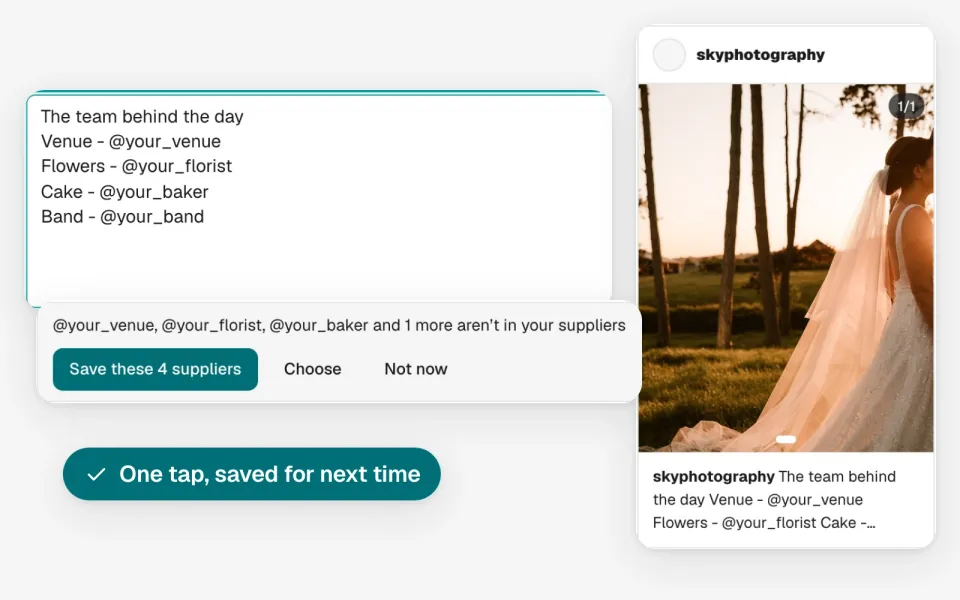
Before
You added each one by hand.
Now
Typed the venue, florist and band into an Instagram caption?
Typed your credits? Save them in one tap
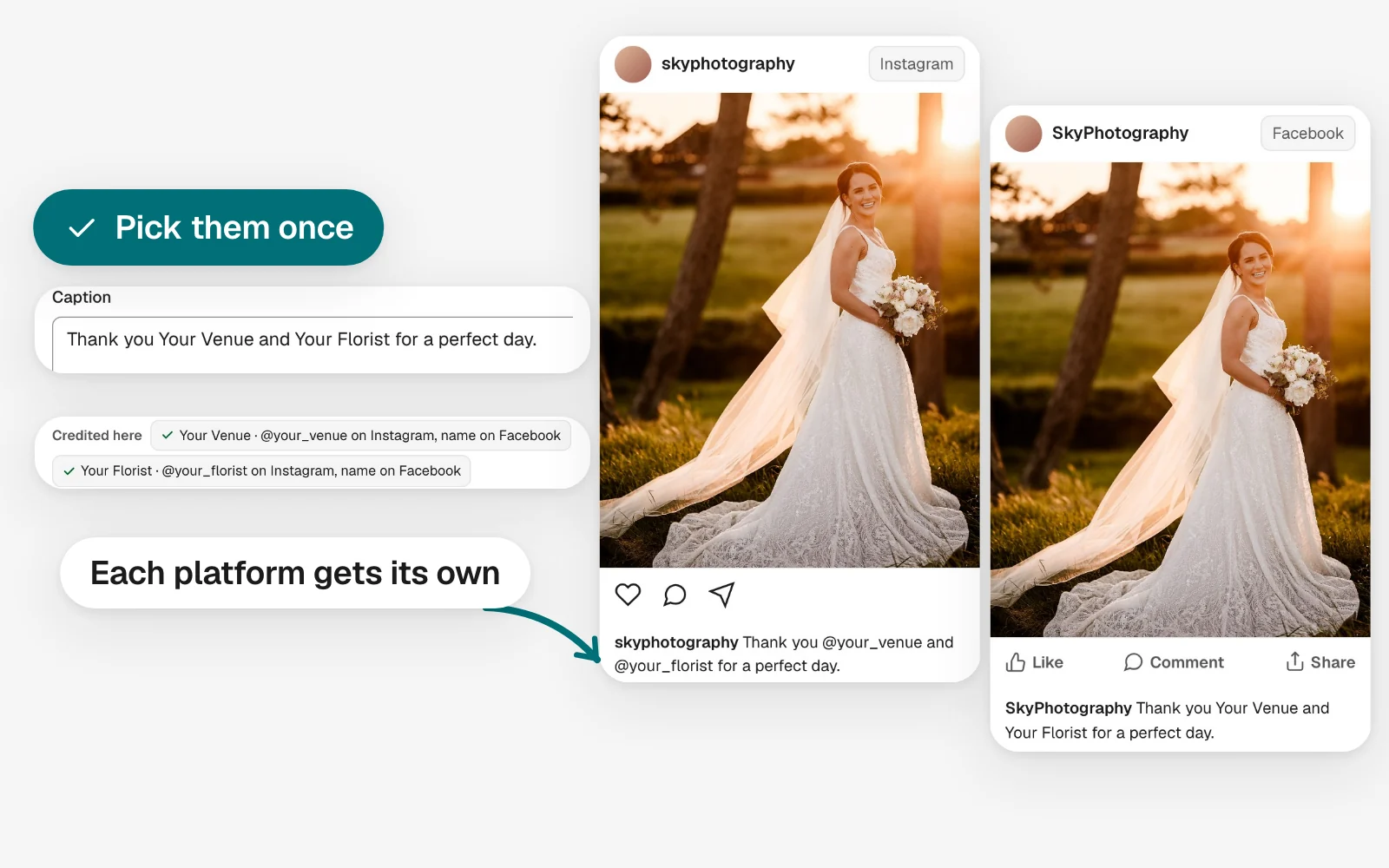
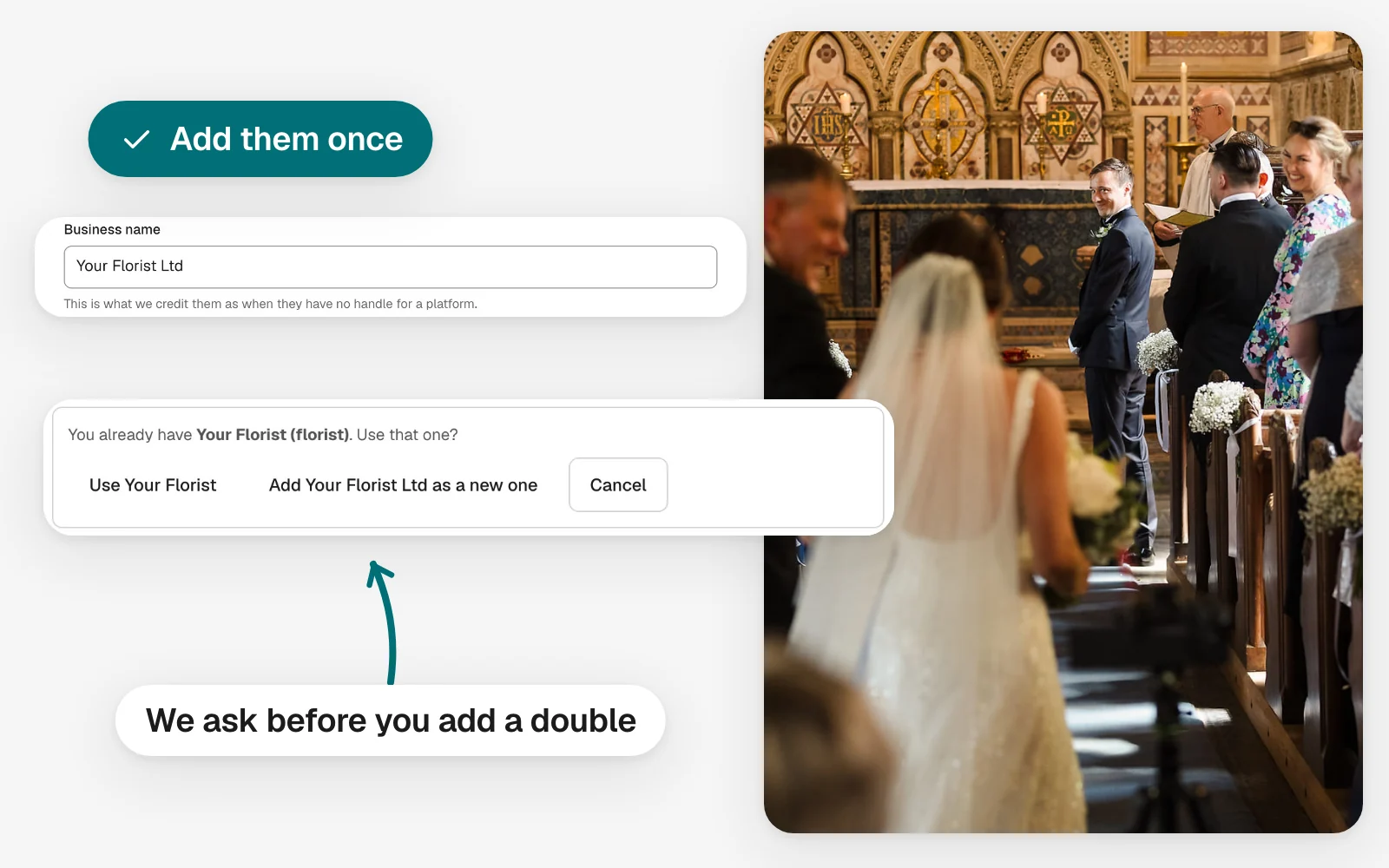
Typed the venue, florist and band into an Instagram caption? A small card under it now offers to save their @handles in one tap. Before, you added each one by hand. Next time, type + and the start of the handle and pick them instead of typing them out. A line like "Venue - @name" fills in what they do, and Choose lets you untick any first. Each one saves under its @handle, so add a proper name in your settings: a platform that doesn't use handles gets that name. Saving leaves your caption and hashtags as they are.
Also on 31 October
- NewNow you can save the @handles in a caption in one tap, so next time you pick the venue, florist or band instead of typing them. Before, you added each one by hand.
Go deeper
More Supplier credits updates
Want all of this when we open?
Leave your email and we'll tell you the day it opens. When it opens: 14 days of everything, free. No card needed.