New feature
See your AI chat credits and cut-outs at a glance
Every paid plan writes quick AI captions with no monthly limit: one press on a photo and the caption is there.
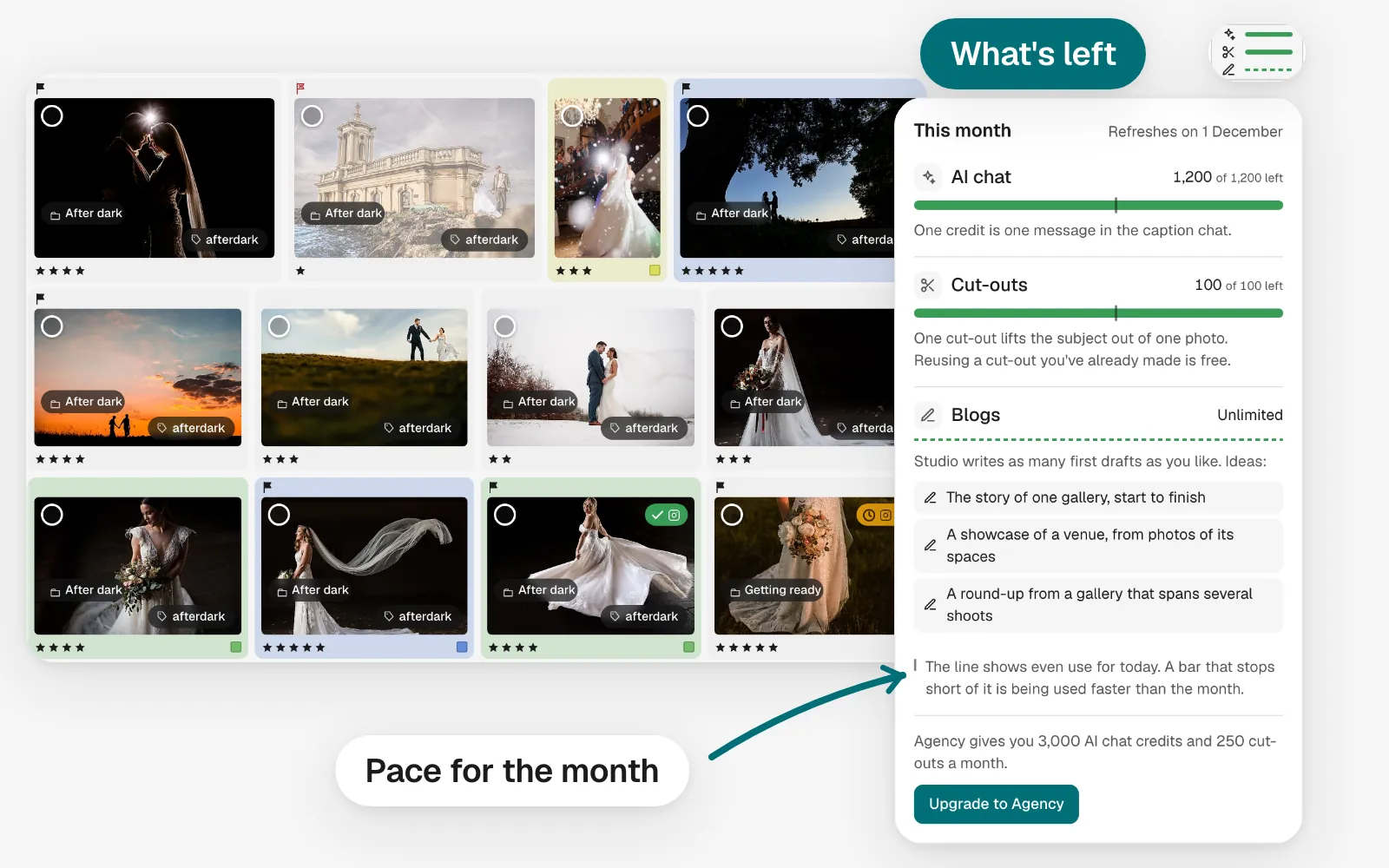
What your plan gives you each month
Every paid plan writes quick AI captions with no monthly limit: one press on a photo and the caption is there. On top of that, each month brings AI chat credits for the captions you want to shape together with our caption AI. On Solo that's about 100 captions a month, three a day, every day. On Studio it's about ten a day.
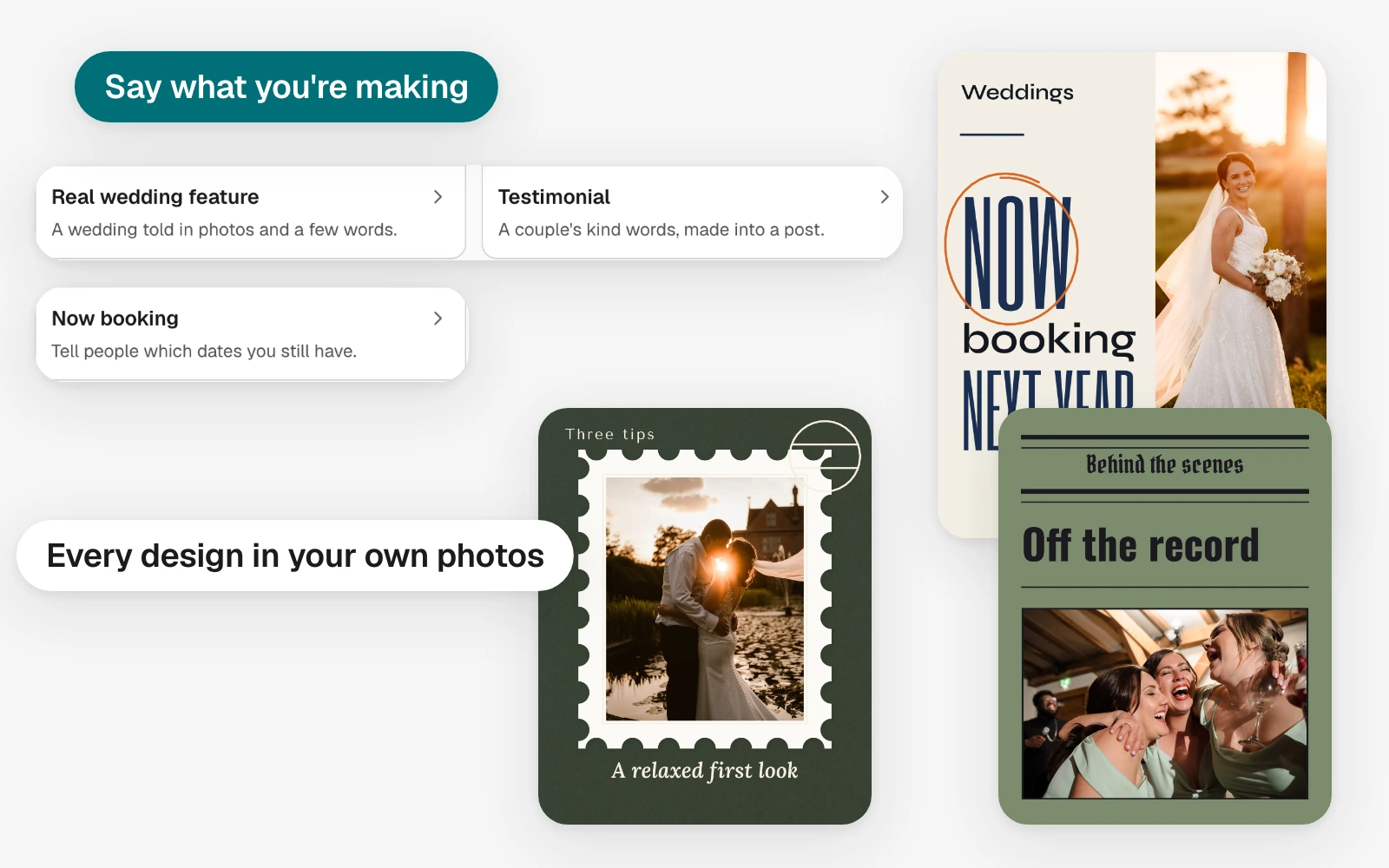
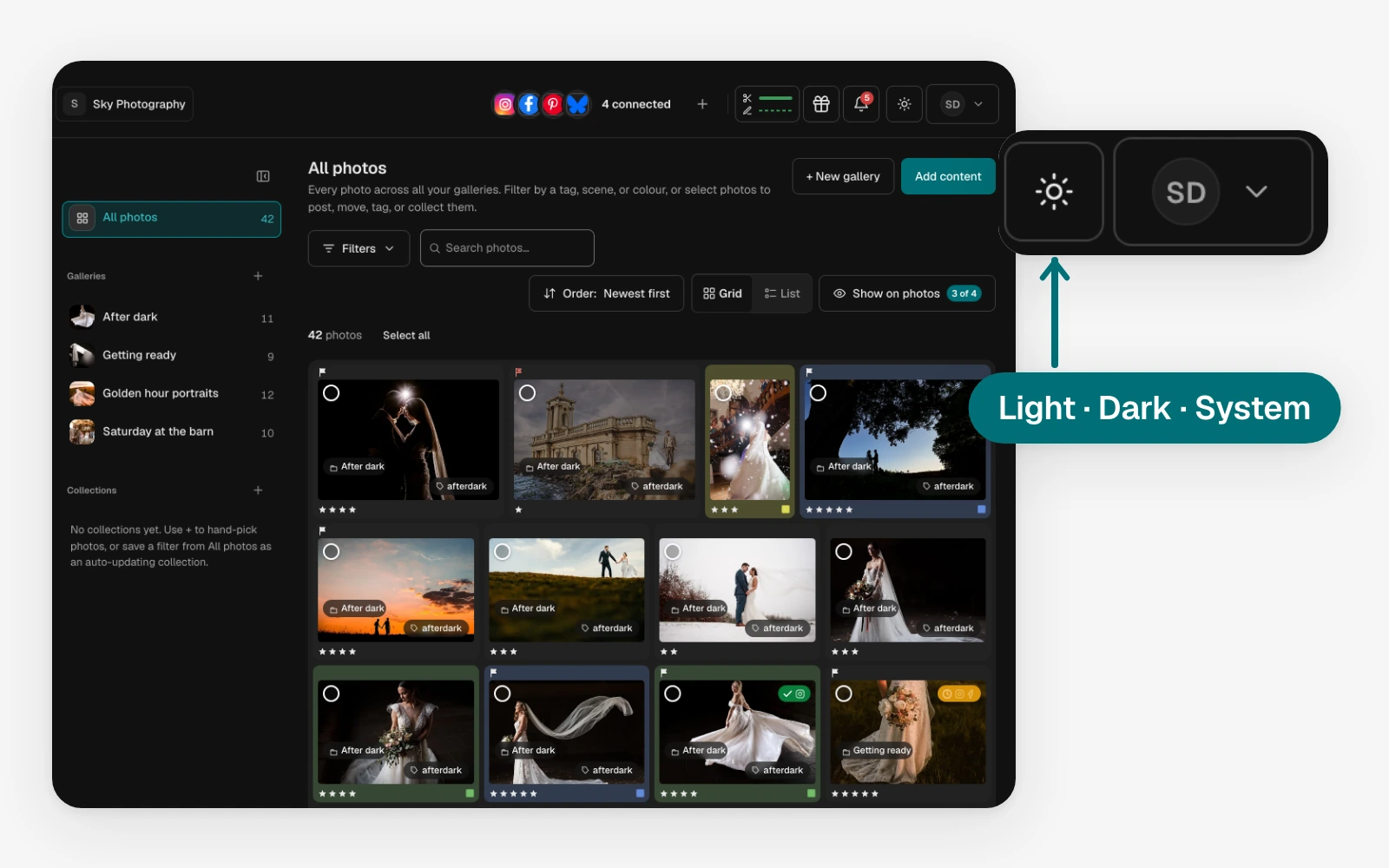
Cut-outs go further than the number suggests. A cut-out lifts the people out of a photo so they stand in front of your words, and once it's made, you can use it in as many designs as you like without spending another. Solo's 50 a month is about a dozen new ones a week. On Studio and Agency, the AI also writes a first blog draft from your gallery, your photos and your notes, as often as you like, and it uses no credits at all. The bar at the top right of every page shows what's left and the day it all refreshes: the 1st of every month.
| Row | Solo | Studio | Agency |
|---|---|---|---|
| Quick AI captions | No monthly limit | No monthly limit | No monthly limit |
| Caption chat, messages a month | 400about 100 captions | 1,200about 300 captions | 3,000about 750 captions |
| AI blog drafts | Write your own, with the live page score | Unlimited, no credits used | Unlimited, no credits used |
| Cut-outs a month | 50 | 100 | 250 |
Use any cut-out in as many designs as you like. Quick captions have a fair-use limit of 300 a day, there to stop automated scripts; captions for photos sent from Lightroom Classic don't count toward it. The 14-day trial is the full Studio plan, with 10 cut-outs for the trial.
Also on 14 November
- ImprovedNow you can see what's left of your AI chat credits and cut-outs this month at a glance, top right of every page, with the date they refresh. Before, the bar there had no label and you had to open the designer to count your cut-outs.
Go deeper
More updates
Want all of this when we open?
Leave your email and we'll tell you the day it opens. When it opens: 14 days of everything, free. No card needed.