New featureMedia library
One page per wedding: see what's posted and what's still unused
Open a wedding and you see where it stands.
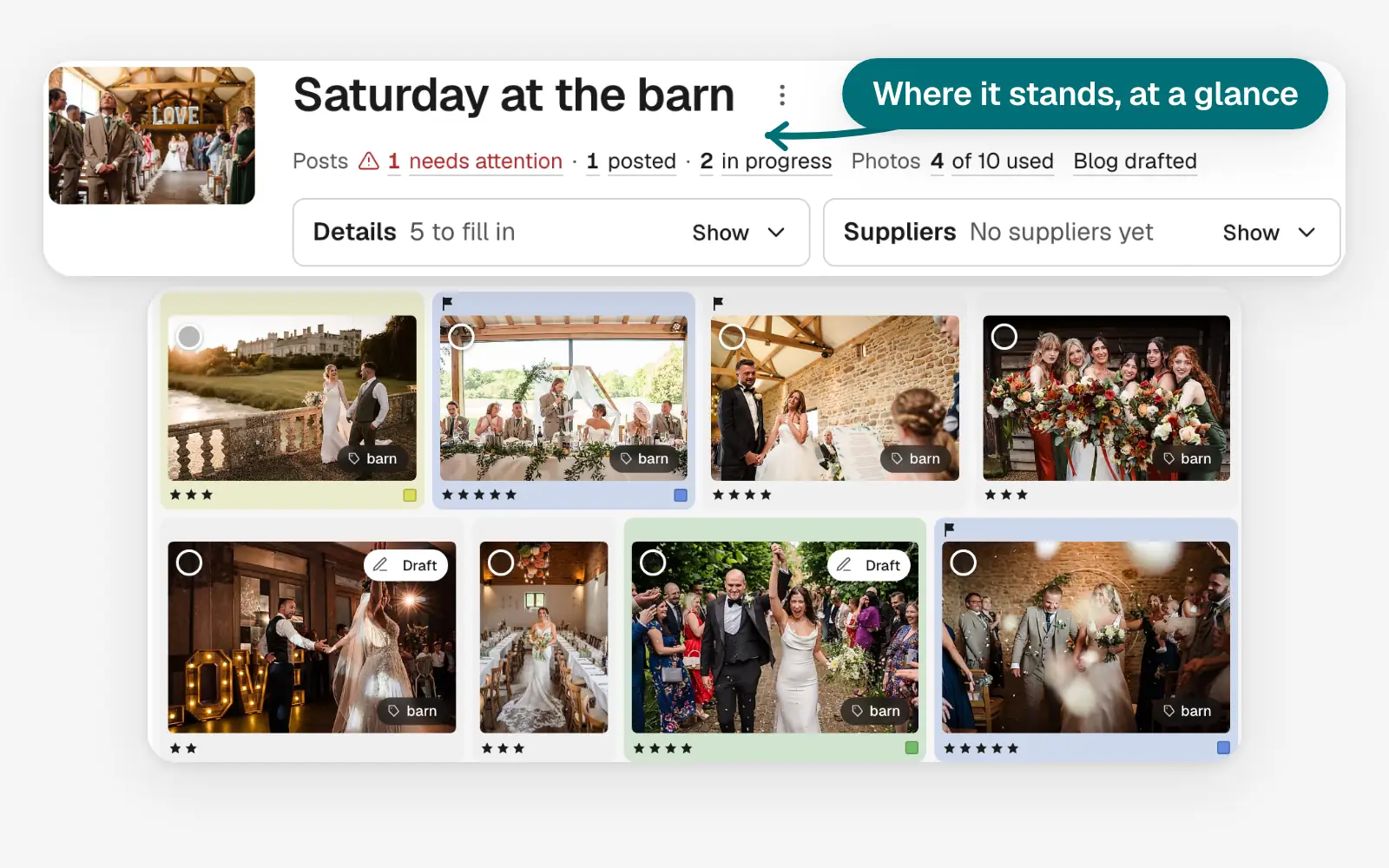
One line tells you where a wedding stands
Open a wedding and you see where it stands. What's been posted, what's waiting, which photos you haven't used yet, and the posts, designs, blog and notes that belong to it. All on one page.
Before, you scrolled your feed to work out what you'd already posted from a wedding. Now open the gallery and the line under its name says how many posts went out, how many are waiting and how many photos you've used. Tap a number and it opens the photos or posts behind it. A gallery with nothing filled in shows one "Add details" line; add the date, venue and names when you're ready.
Every photo shows if it's been used
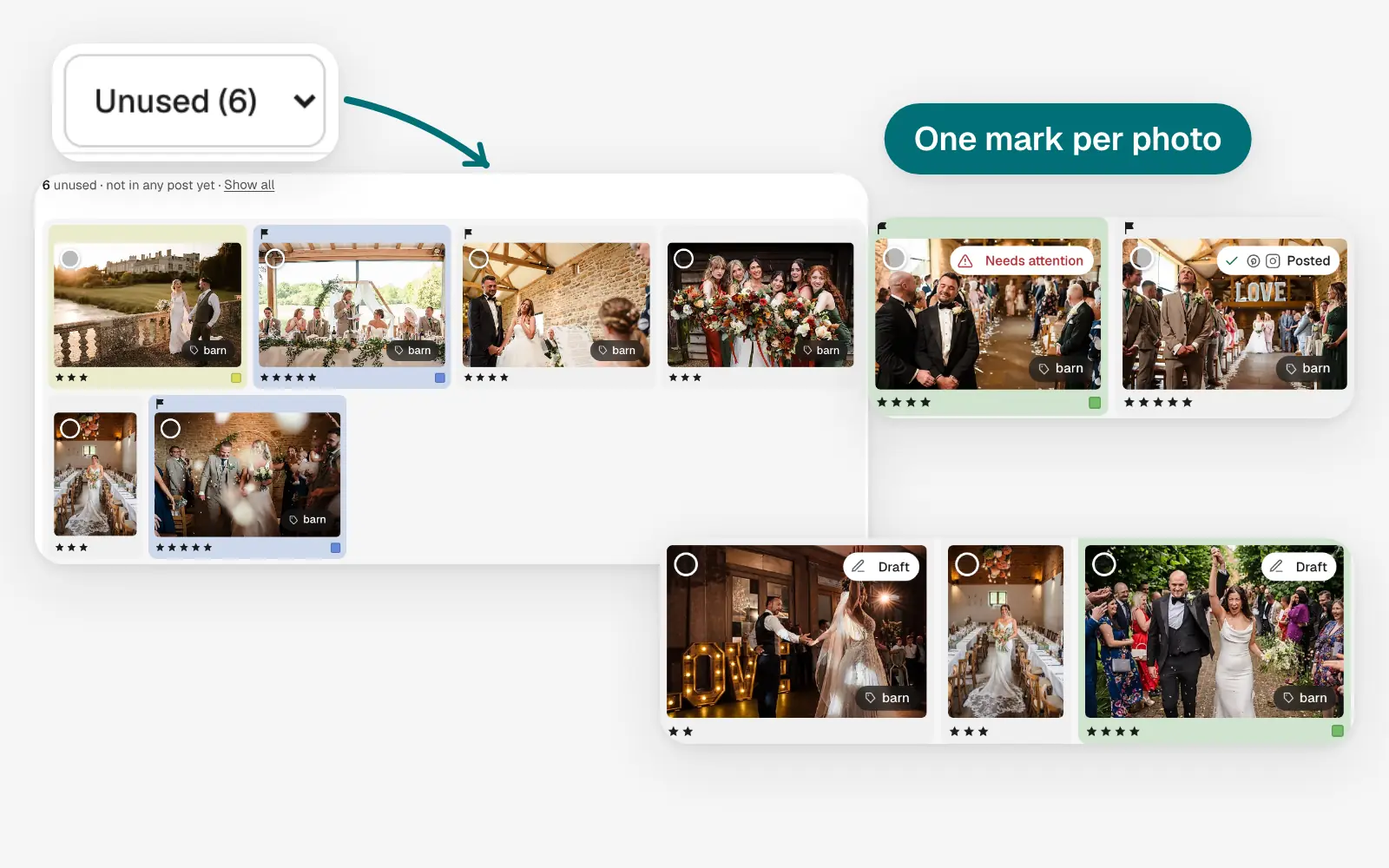
Before, there was no way to see just the photos you hadn't used. Now each photo shows where it stands: Draft, Waiting for approval, Scheduled, Posted or Needs attention, and the rest are Unused. Filter to Unused and you have next month's posts.
Start a post from the wedding
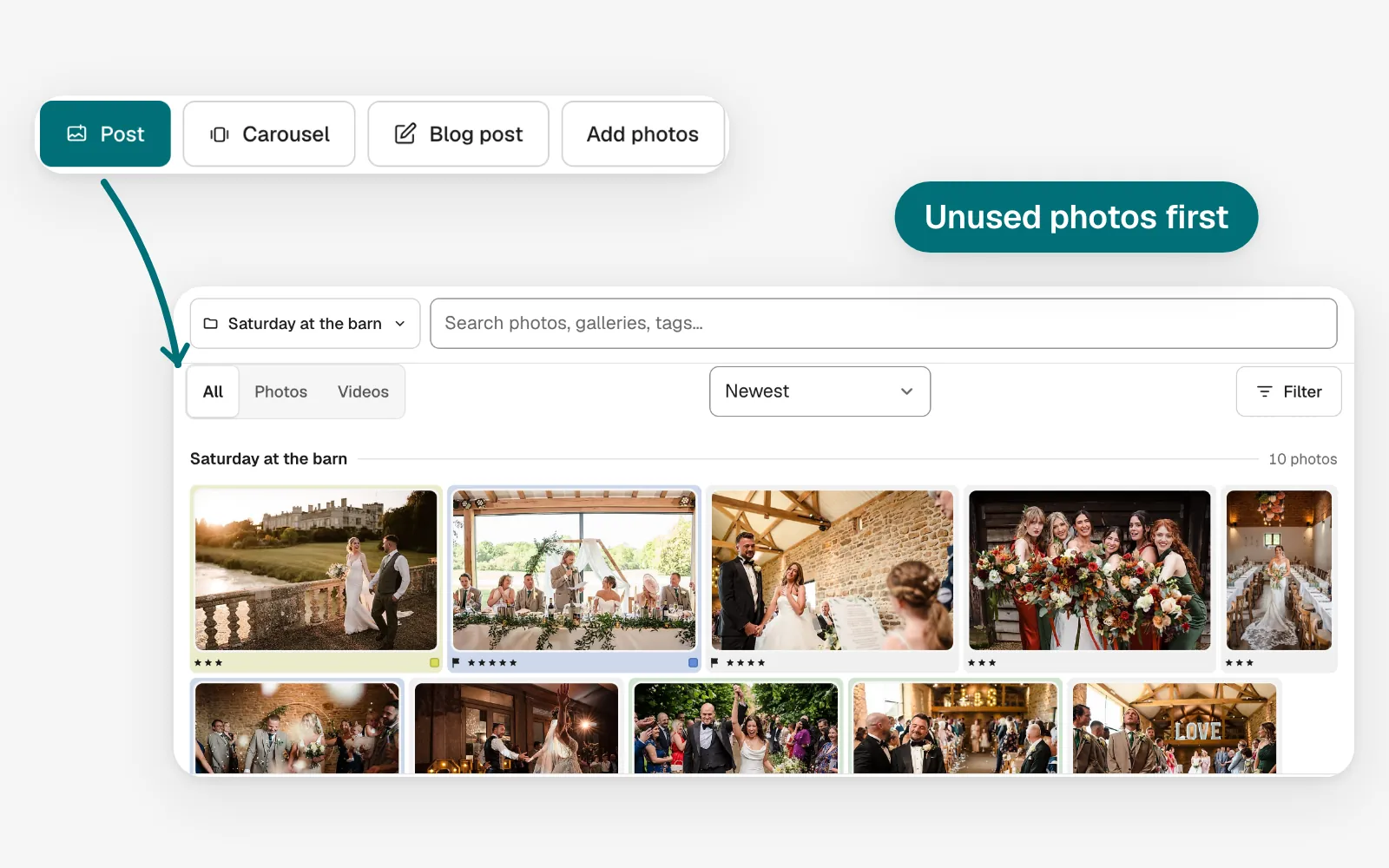
Before, you had to tick photos before Post would do anything. Now Post and Carousel sit on the gallery page, and they open this gallery's photos with the unused ones first. Carousel is Solo and up.
Designs live with their wedding
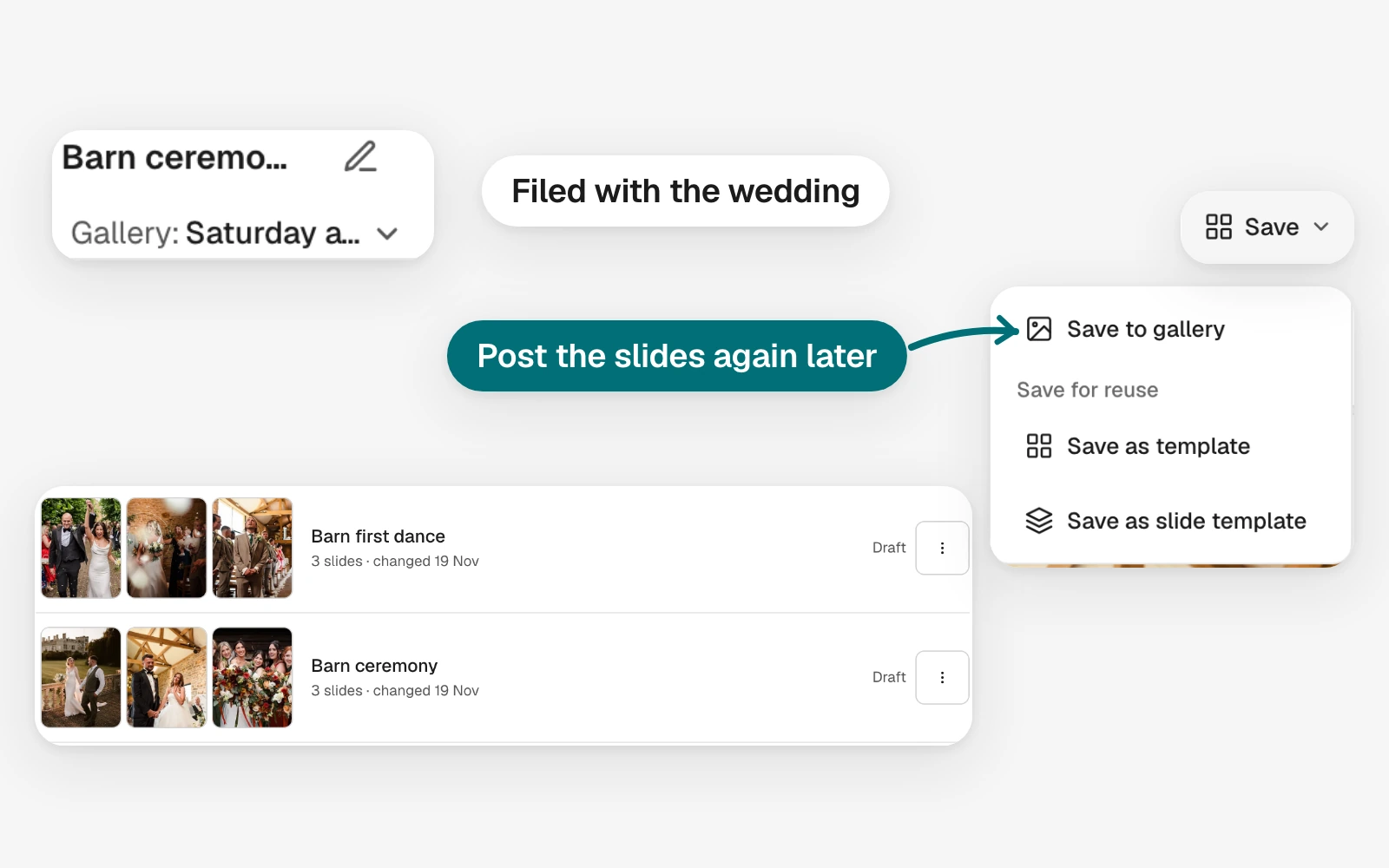
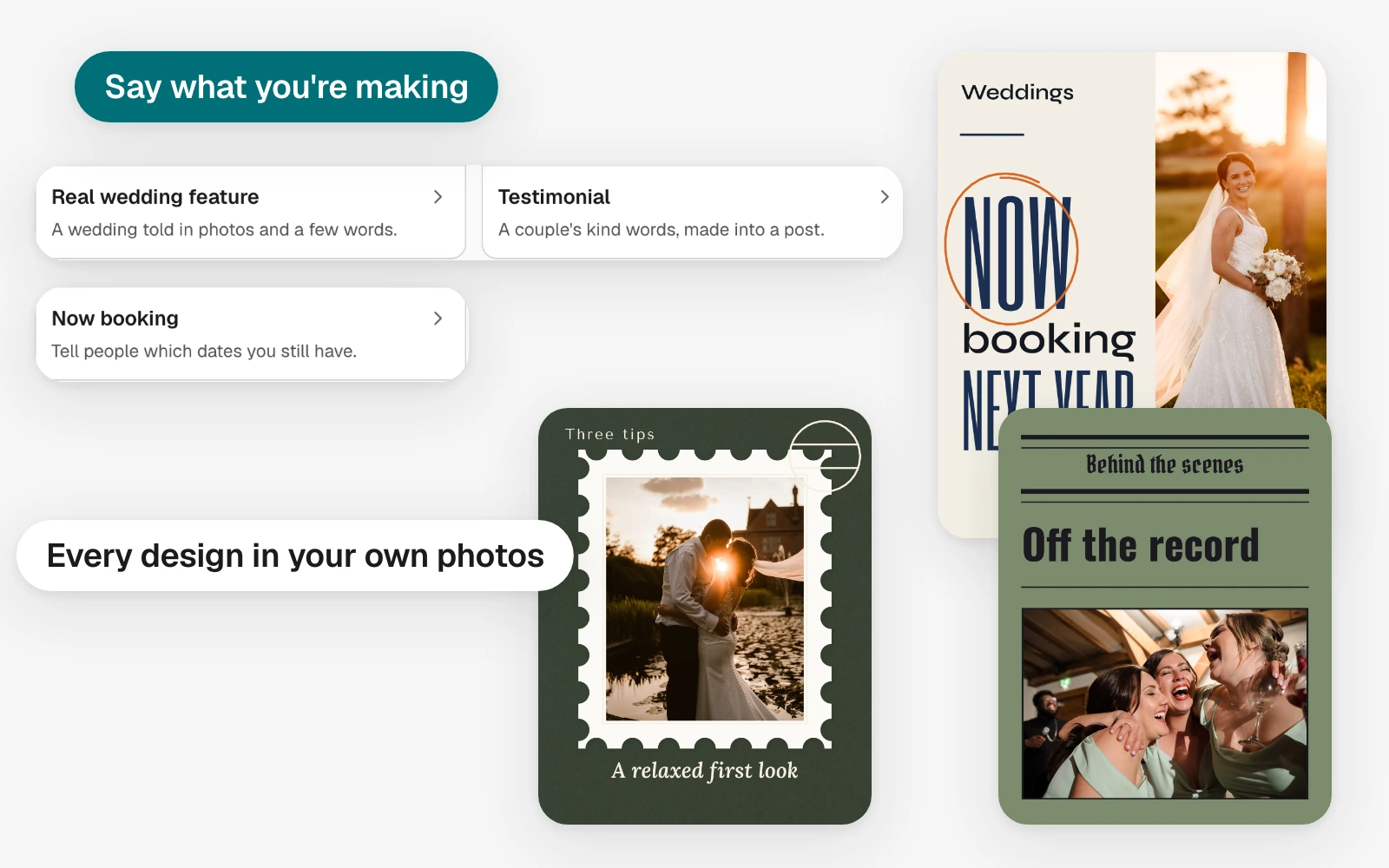
A design you start from a gallery is filed there, under Designs, ready to reopen. When it's finished, save its slides into the gallery and post them again later. They're kept apart from your photos, so they're never counted as unused. Designs you made before today are filed too, under the gallery most of their photos came from. Designs are Solo and up.
Blog later
Mark a gallery "Blog later" and it gets a bookmark in your gallery list. When you sit down to write, filter the list to Blog later and the galleries you meant to blog are all in one place. Writing the blog is Solo and up.
Ask your chatbot too: it can list a gallery's photos and posts with where each one stands, and file or save a design to a gallery.
Also on 19 November
- NewEvery gallery now has its own page. Open a wedding and one line tells you what's posted, what's waiting and which photos you haven't used yet, with its posts, designs, blog and notes a tab away. Before, you had to remember what had already gone out.
Go deeper
More updates
Want all of this when we open?
Leave your email and we'll tell you the day it opens. When it opens: 14 days of everything, free. No card needed.